App comparison
Best iPad Widgets for Your Home Screen: Built-In and App Picks
The iPad widgets worth adding first: Apple’s extra-large calendar and Reminders, Fantastical, Widgetsmith, Color Widgets, sticky notes and a panoramic aquarium.
The best iPad widgets are the ones that use the big screen: an extra-large calendar, a photo or design widget, a to-do list you can tick from the Home Screen and one decorative widget that makes the iPad feel like yours. Start with Apple’s own widgets, then add an app only where it does something they do not. Below are the picks we would try first, grouped by what you use the iPad for.
Best iPad widgets for the Home Screen
App details come from each App Store listing as of November 2026; all of these apps run on iPad.
| Widget | Best for | Cost |
|---|---|---|
| Calendar Up Next (Apple) | Today plus the next days, up to extra large | Built in |
| Reminders (Apple) | A checklist you tick from the Home Screen | Built in |
| Fantastical ↗ | Calendar and tasks in many widget styles | Free download; premium features by subscription |
| Widgetsmith ↗ | Dates, photos, countdowns and themed widgets | Free; optional premium subscription |
| Color Widgets ↗ | Matching clock, calendar, photo and quote widgets | Free; optional Pro |
| Sticky Widgets ↗ | Sticky notes in every size | Free; optional upgrade |
| Aquarium Widgets ↗ (ours) | A panoramic aquarium across the screen | Free download; widgets need premium |
Not every app offers every size. Some stop at small and medium while others go up to extra large, as Apple’s Home Screen guide ↗ notes, so swipe through all of an app’s sizes in the gallery before you choose.
Best iPad widgets for students and productivity
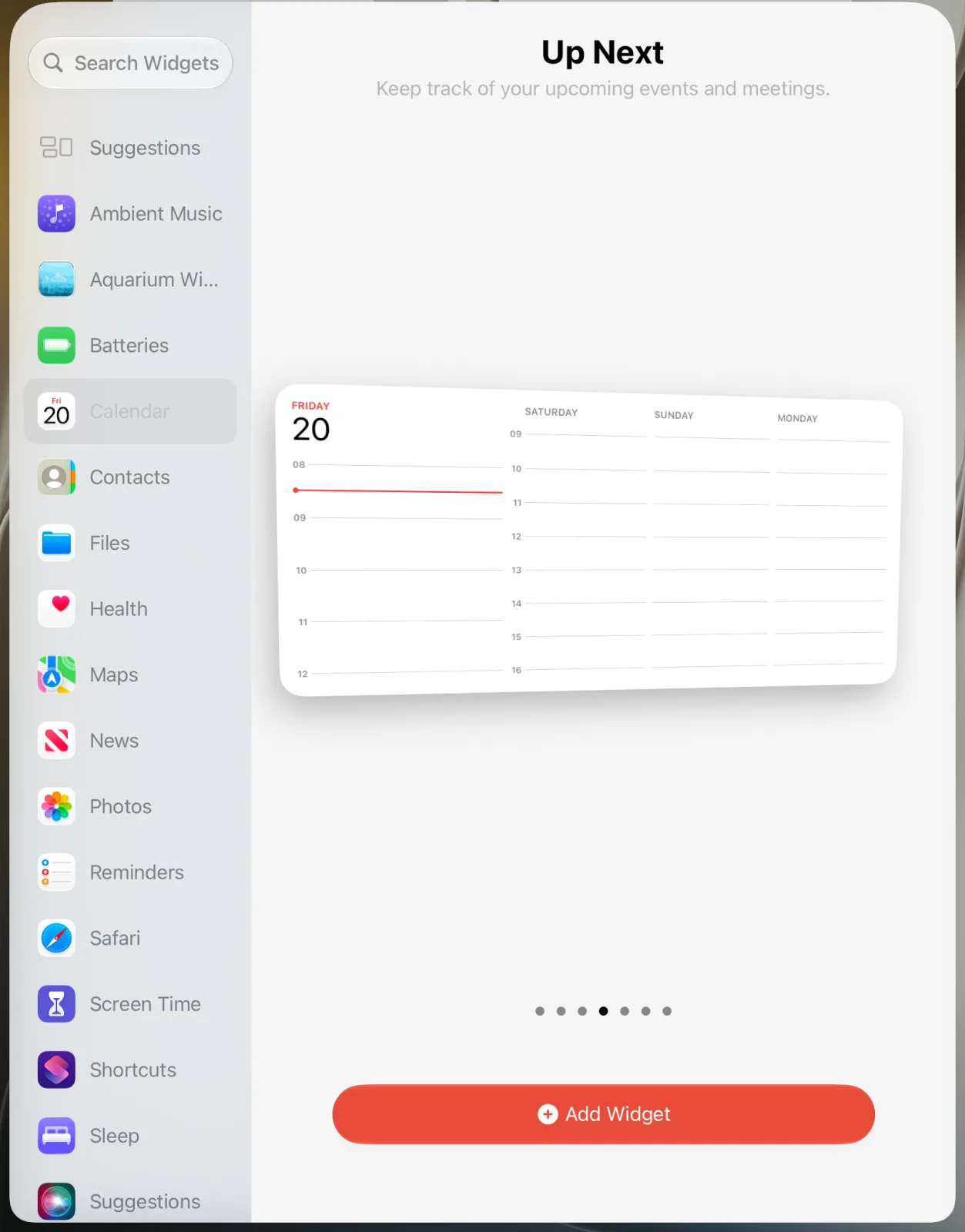
- Calendar Up Next: at extra large it shows today on the left and the following days beside it, which covers a class schedule without another app.
- Reminders: a list widget for homework or today’s tasks. You can check off items by tapping them in the widget, according to Apple’s Reminders guide ↗.
- Fantastical: its listing promises “lots and lots” of iOS and iPadOS widgets and works with existing calendar accounts. Worth it if you live in your calendar.
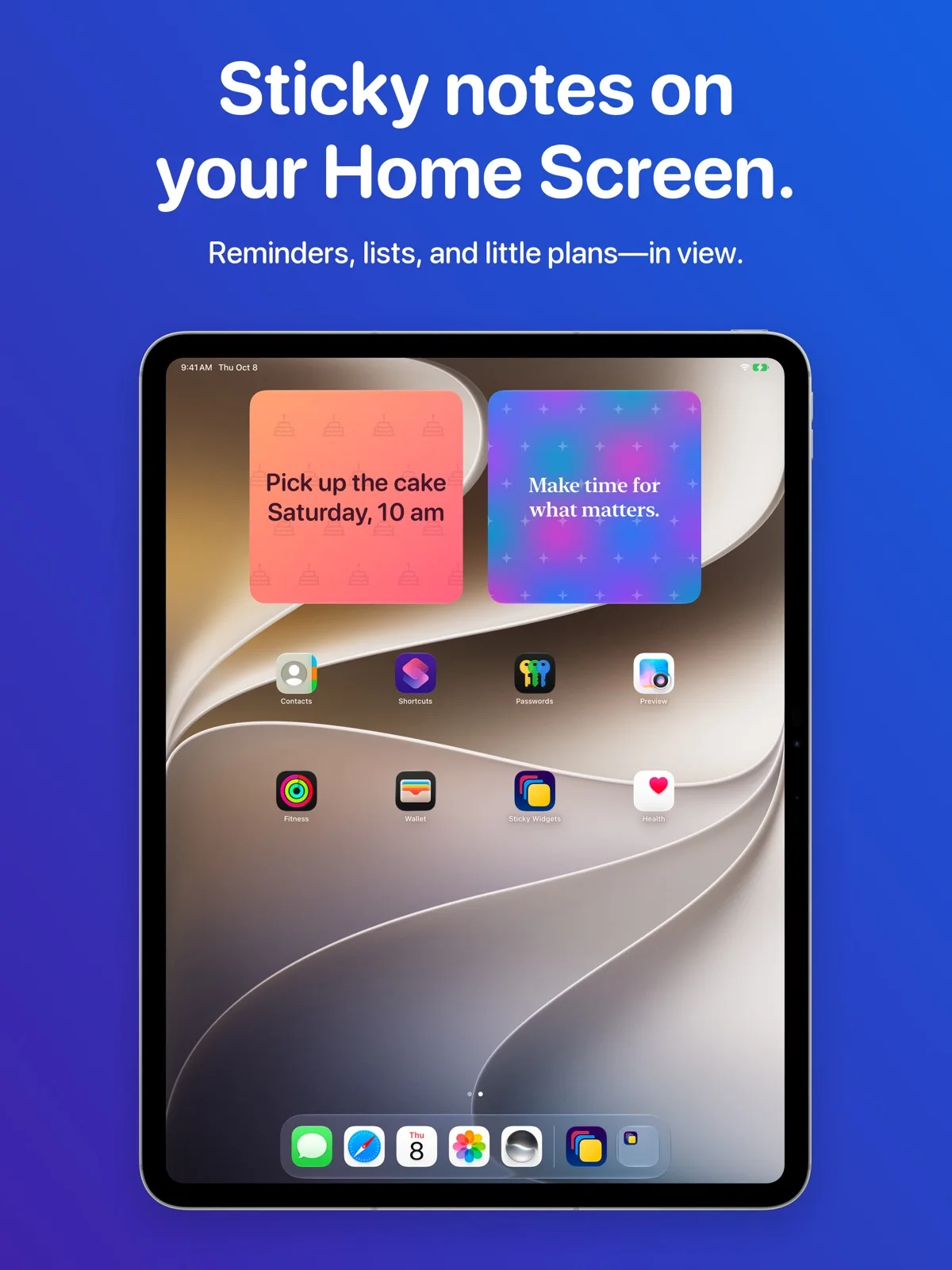
- Sticky Widgets: one note with the week’s exam dates or a reading list. Its listing says it works on iPad and lets you tap a widget to edit it.
Best aesthetic iPad widgets
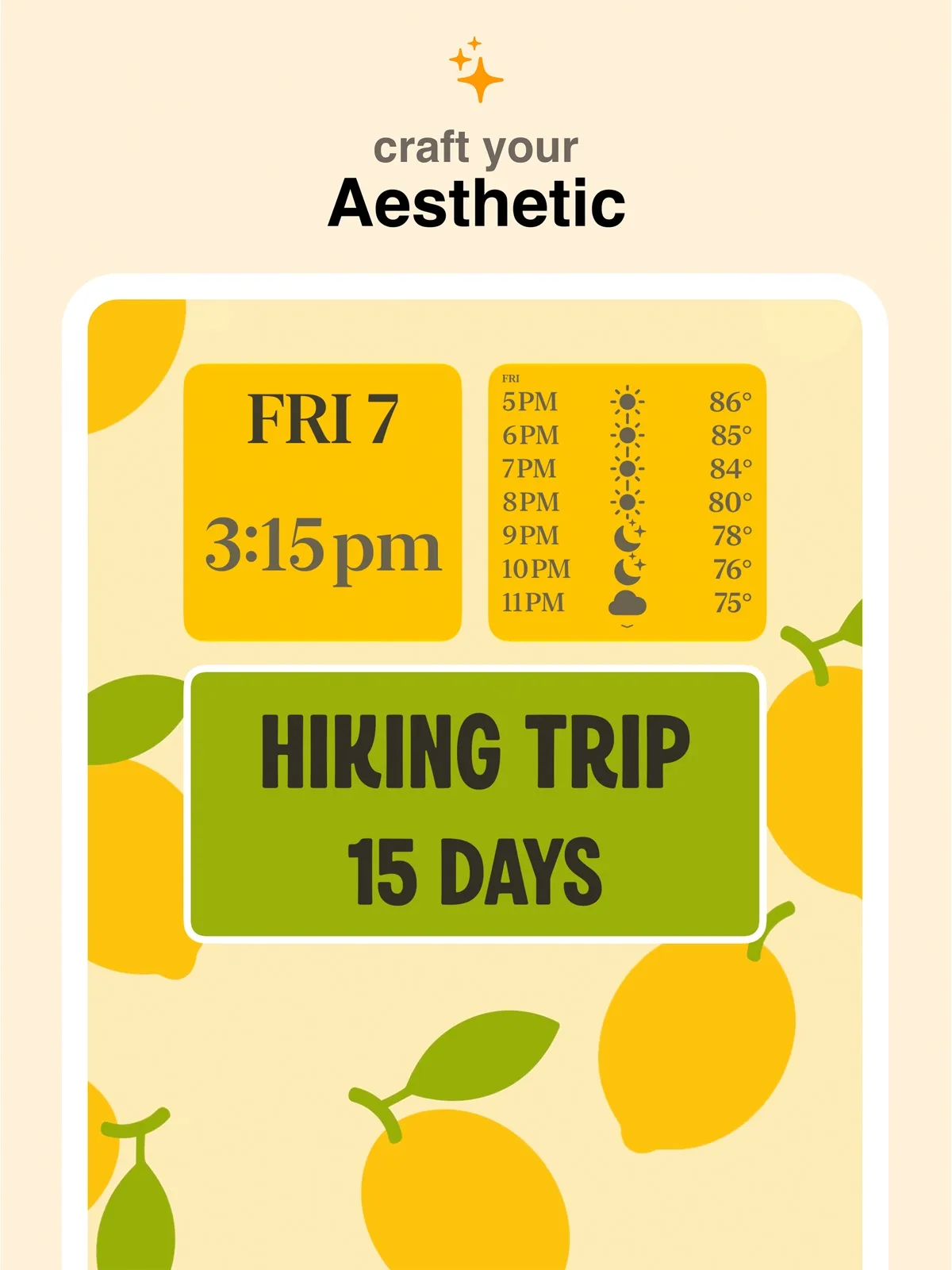
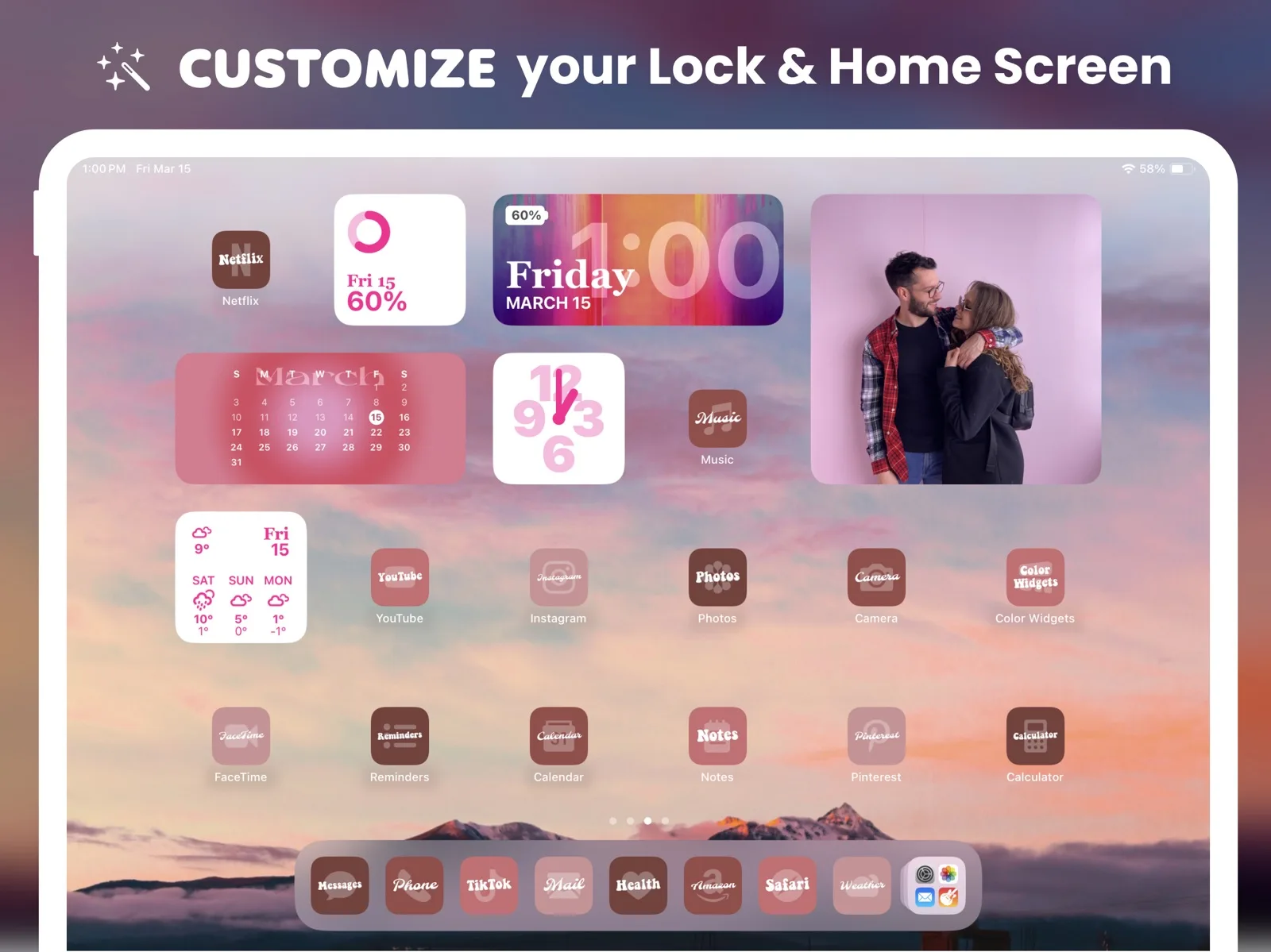
Widgetsmith and Color Widgets are the two apps most people use to style a Home Screen. Widgetsmith builds date, photo, countdown and weather widgets you theme to match a wallpaper; its listing says weather and tide data need the premium subscription. Color Widgets sells itself on thousands of ready-made designs, including clock, calendar, photo and custom quote widgets, for the Home Screen and Lock Screen.
A panoramic aquarium for the iPad Home Screen
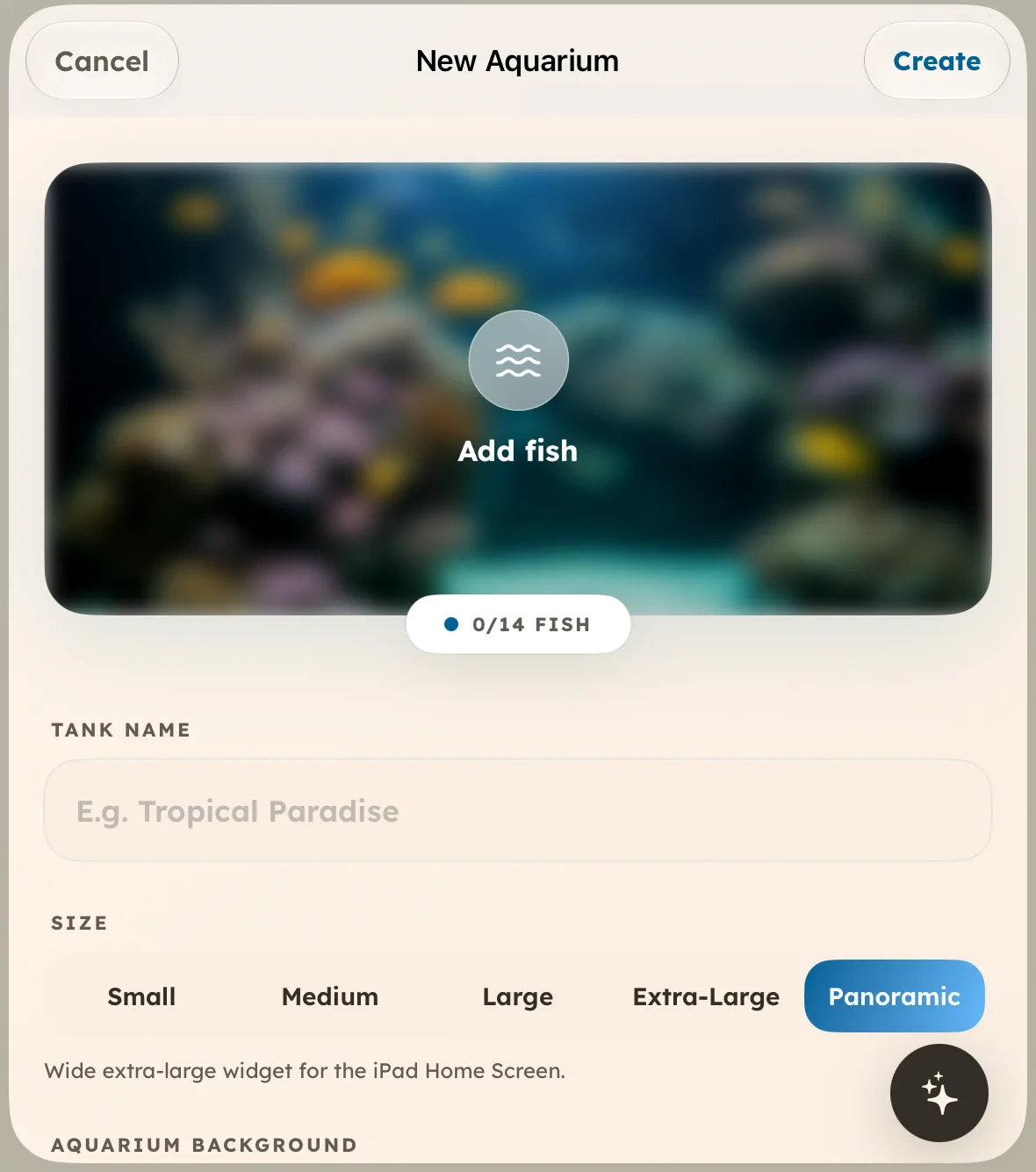
Aquarium Widgets is our app. Version 1.8.2 added a Panoramic aquarium made for the wide extra-large iPad widget, with room for up to 14 fish and an optional clock, date or calendar behind them, according to the App Store notes ↗. Create a Panoramic aquarium in the app on your iPad, then add the Panoramic Aquarium widget from the gallery, using the steps in Apple’s iPad widget guide ↗. Aquarium Widgets is free to download; putting an aquarium on your Home Screen requires the premium upgrade, sold as a subscription or a one-time purchase.
Our iPad widget guide shows how to add and resize these step by step, and iPad Home Screen ideas has five layouts that use them.
Frequently asked questions
What are the best widgets for iPad?
Start with Apple’s Calendar Up Next widget at extra large and a Reminders list. Add Fantastical for a heavier calendar, Widgetsmith or Color Widgets for styled widgets, and one decorative widget.
What are the best iPad widgets for students?
Calendar Up Next for the class schedule, a Reminders list for homework you can tick from the Home Screen, and a sticky-note widget for exam dates.
Are there free widget apps for iPad?
Apple’s own widgets cost nothing. Widgetsmith, Color Widgets and Sticky Widgets are free to download and sell optional upgrades.
Why doesn’t an app offer an extra-large widget on iPad?
The developer has not made one. Apple notes that some apps only offer small and medium widgets while others go up to extra large.