Clock guide
iPhone Clock Widget Ideas: Make Time Part of Your Home Screen
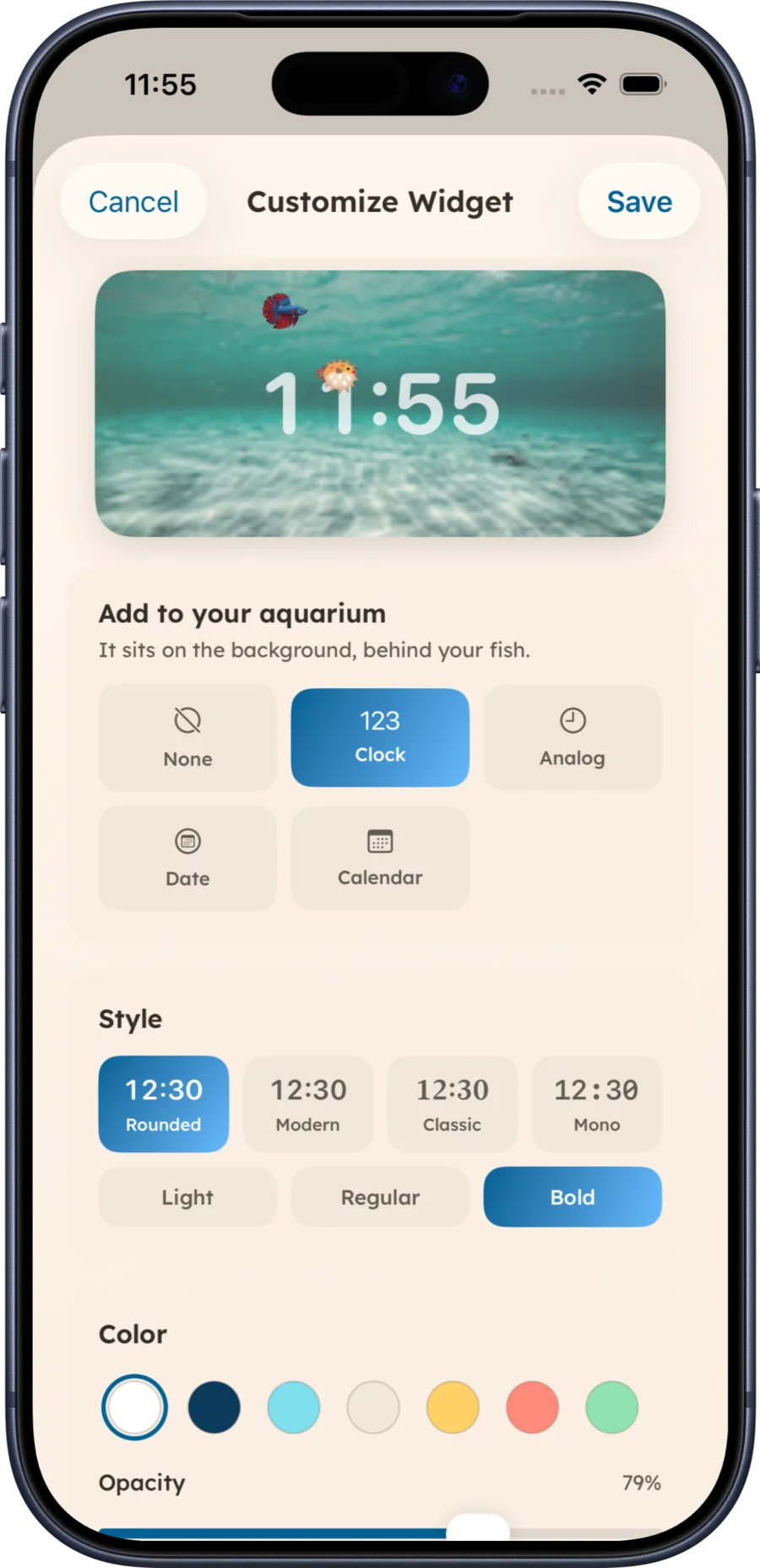
Compare digital and analog clock layouts, then add a customizable clock behind the fish in your Aquarium Widgets tank.
Read guide →Personalize your phone with stunning, swimming fish that match your unique style

Aquarium Widgets is now adapted for iPhone Duo.
Customize your home screen with interactive aquariums. Care, collect, and enjoy your virtual ecosystem.
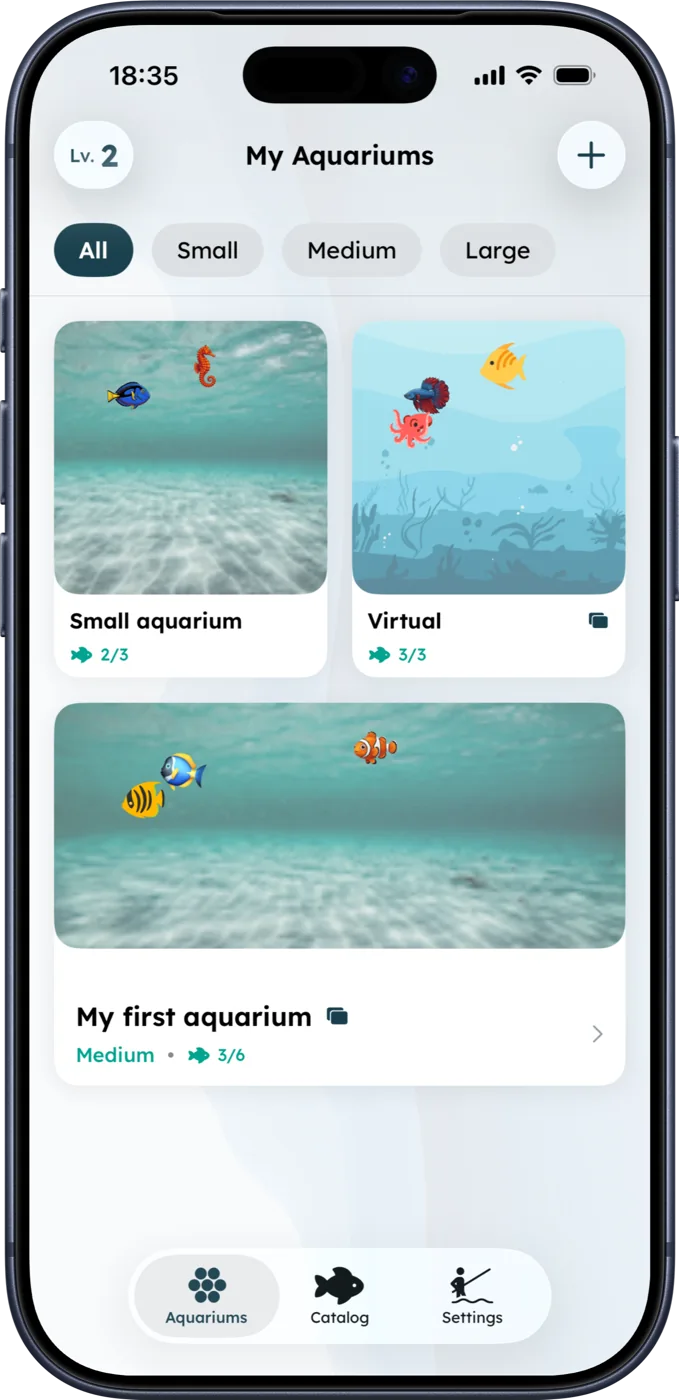
Don't settle for a boring screen. Choose the perfect widget size and layout to complement your wallpaper and icons. Your phone should reflect your unique aesthetic.
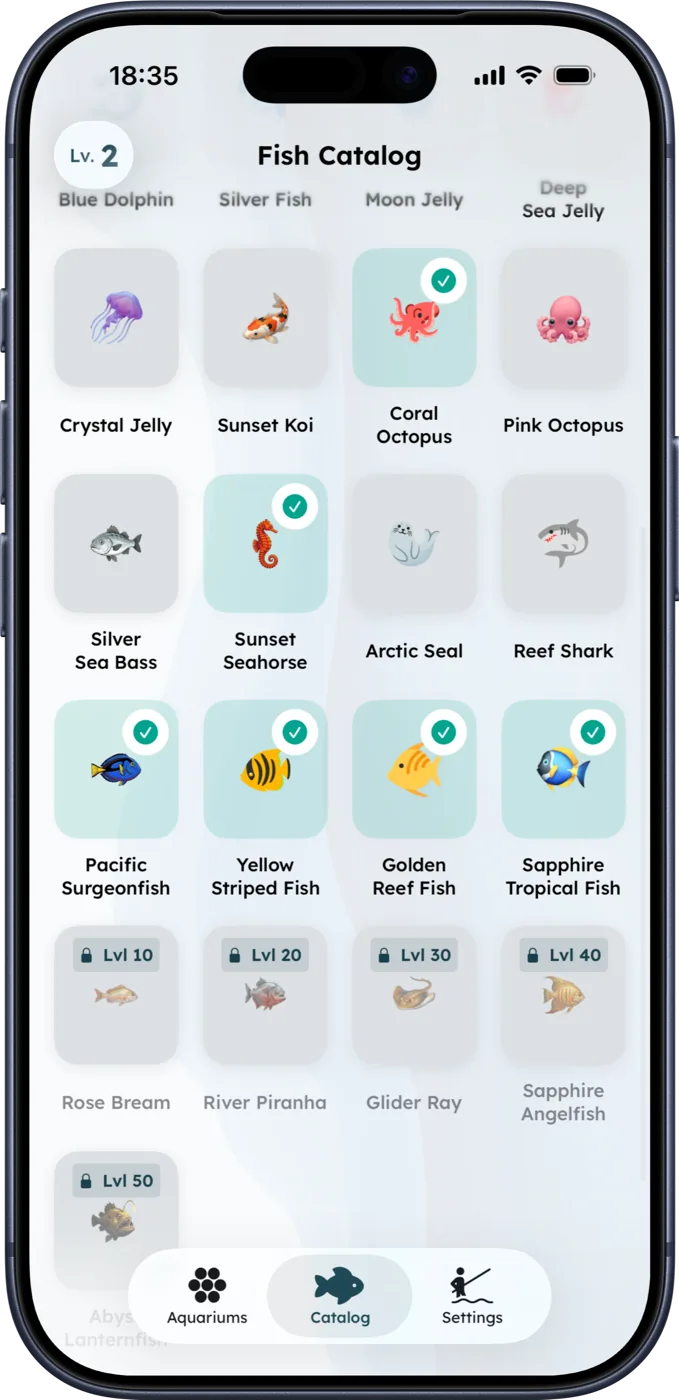
Take a break from the endless scrolling to feed and care for your fish. It’s a tiny, mindful ritual to reset your brain and bring a spark of joy to your day.
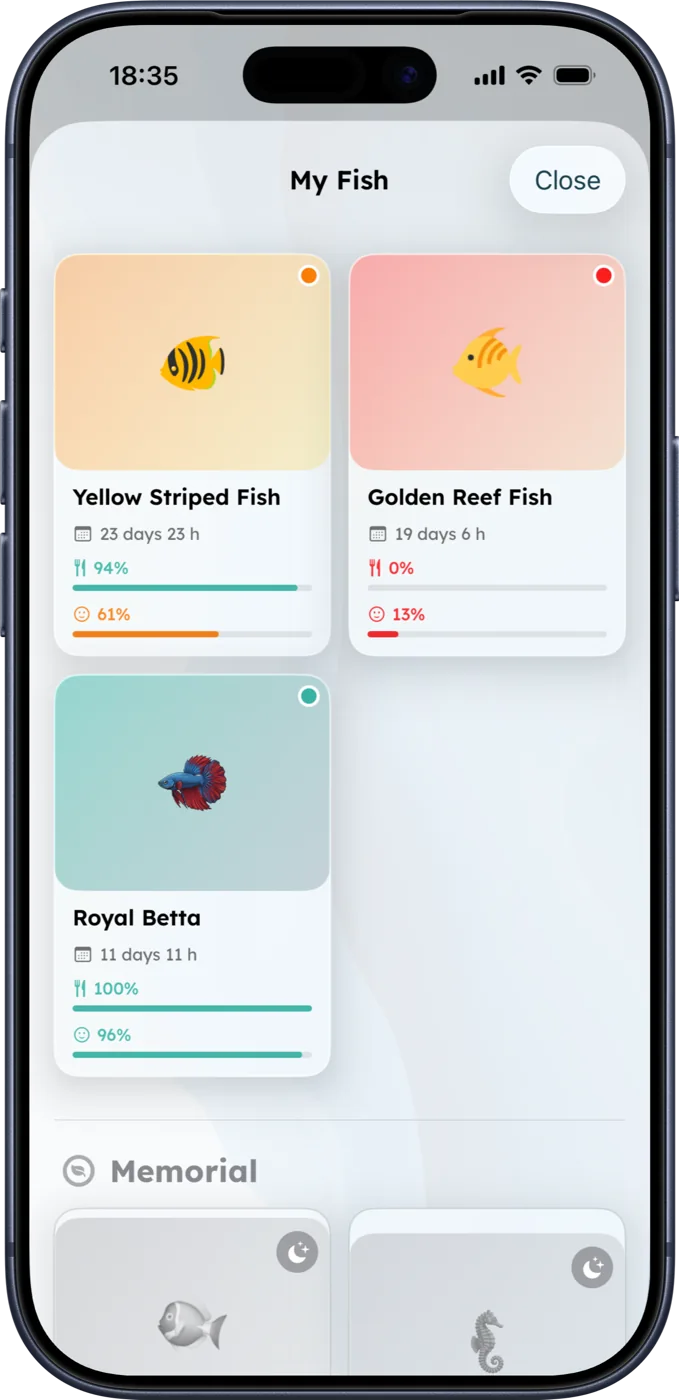
Watch your fish swim on the Home Screen. The app is designed to pause its animation when you are not viewing it; battery use still varies by device and usage.
Clocks & calendars
Keep the time or your month in view while your fish swim across the Home Screen. Add a digital clock, analog clock, date or monthly calendar behind the fish in your widget.
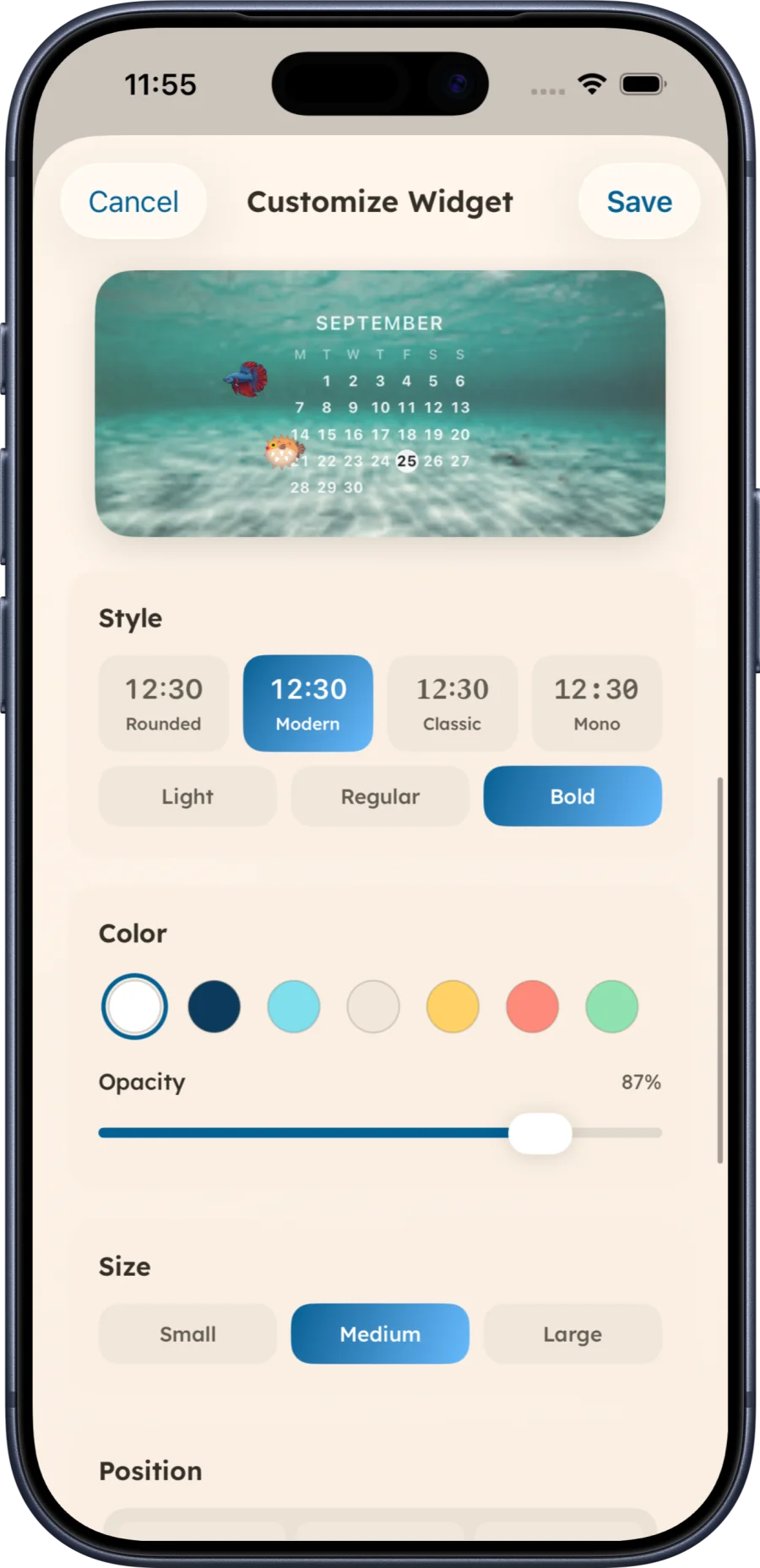
Beautiful, Efficient, and Fun
Aquarium Widgets is built to bring joy to your device without compromising performance.
Designed to pause its fish animation when you are not viewing the Home Screen. Actual battery use varies by device and usage.
Download for free and start creating your aquariums. Unlock premium features for larger tanks and exclusive fish.
Upgrade to unlock Large Aquariums and a variety of premium fish species to populate your tanks.
Home Screen ideas
Clock guide
Compare digital and analog clock layouts, then add a customizable clock behind the fish in your Aquarium Widgets tank.
Read guide →Calendar guide
Choose a readable month view, place it on your Home Screen and style an aquarium calendar without confusing it with event sync.
Read guide →Step-by-step guide
Follow Apple’s current widget steps, choose a size and arrange your first Home Screen widget, with an Aquarium Widgets example.
Read guide →Have another question? Email us at silverappsmail@gmail.com.