Step-by-step guide
Steps Widget on iPhone: Show Your Step Count on the Home Screen
Add Fitness’s Activity widget to see steps on the iPhone Home Screen or Lock Screen, why Health has no steps widget, and step counter apps with widgets.
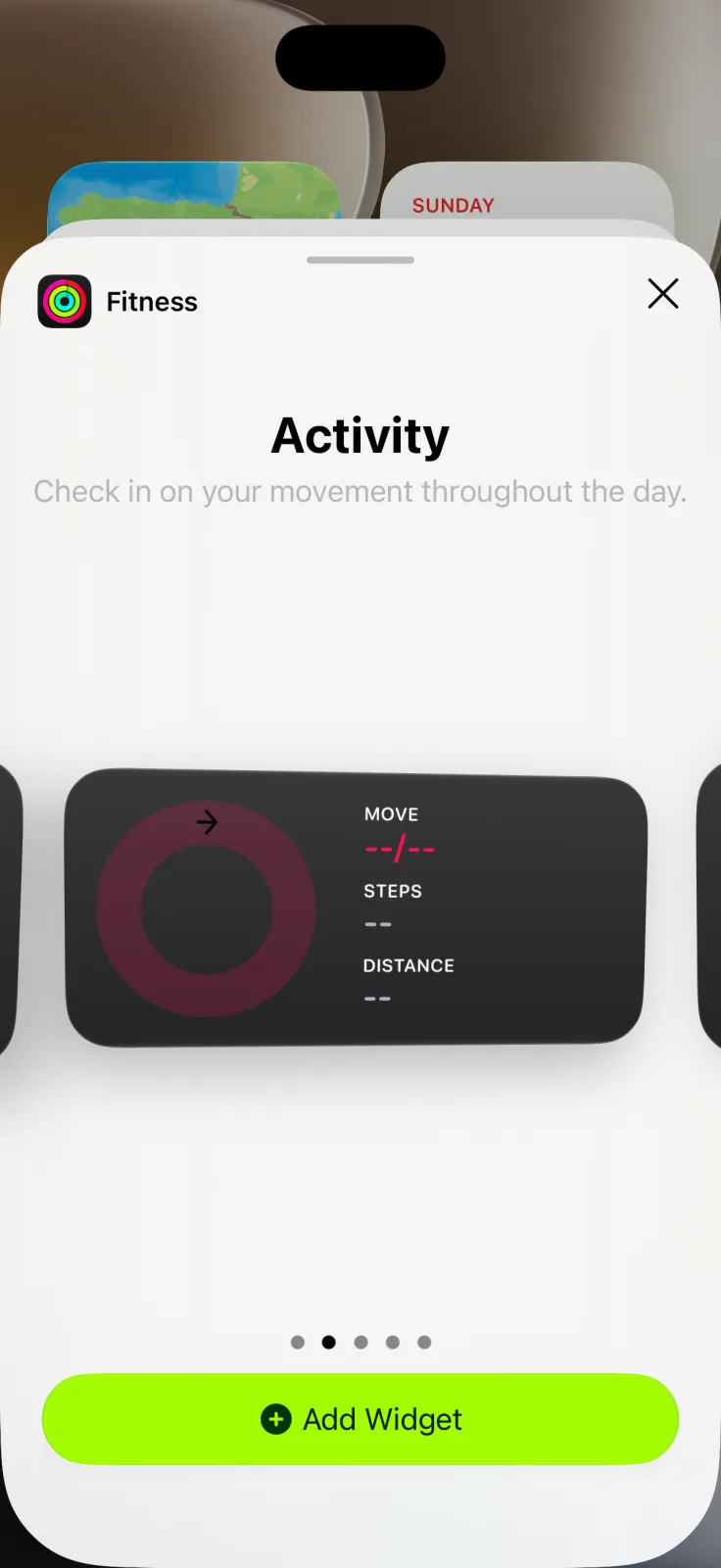
The built-in steps widget on iPhone comes from the Fitness app, not Health: add the medium Activity widget and it shows your Move ring, steps and distance on the Home Screen. No Apple Watch is needed, because the iPhone counts steps with its own motion sensors. For a bigger number or a step goal, a free pedometer app fills the gap.
Add the steps widget to the iPhone Home Screen
Apple’s Fitness guide ↗ says the app’s summary shows your Activity rings, steps and distance, and that a Fitness widget can track your daily activity from the Home Screen or Lock Screen. When you carry your iPhone, its motion sensors track steps, distance and flights climbed, according to Apple’s activity summary page ↗.
- Open Fitness and check that the summary shows your step count.
- Touch and hold the Home Screen, tap the edit button, then Add Widget.
- Tap Fitness and swipe to the medium Activity widget, the one that lists Steps.
- Tap Add Widget and drag it into place.
These follow Apple’s iOS 27 widget steps ↗. The small Activity widget shows the rings and their three values but no step count, so pick the medium one if steps are what you want to see.
Is there a Health widget for steps?
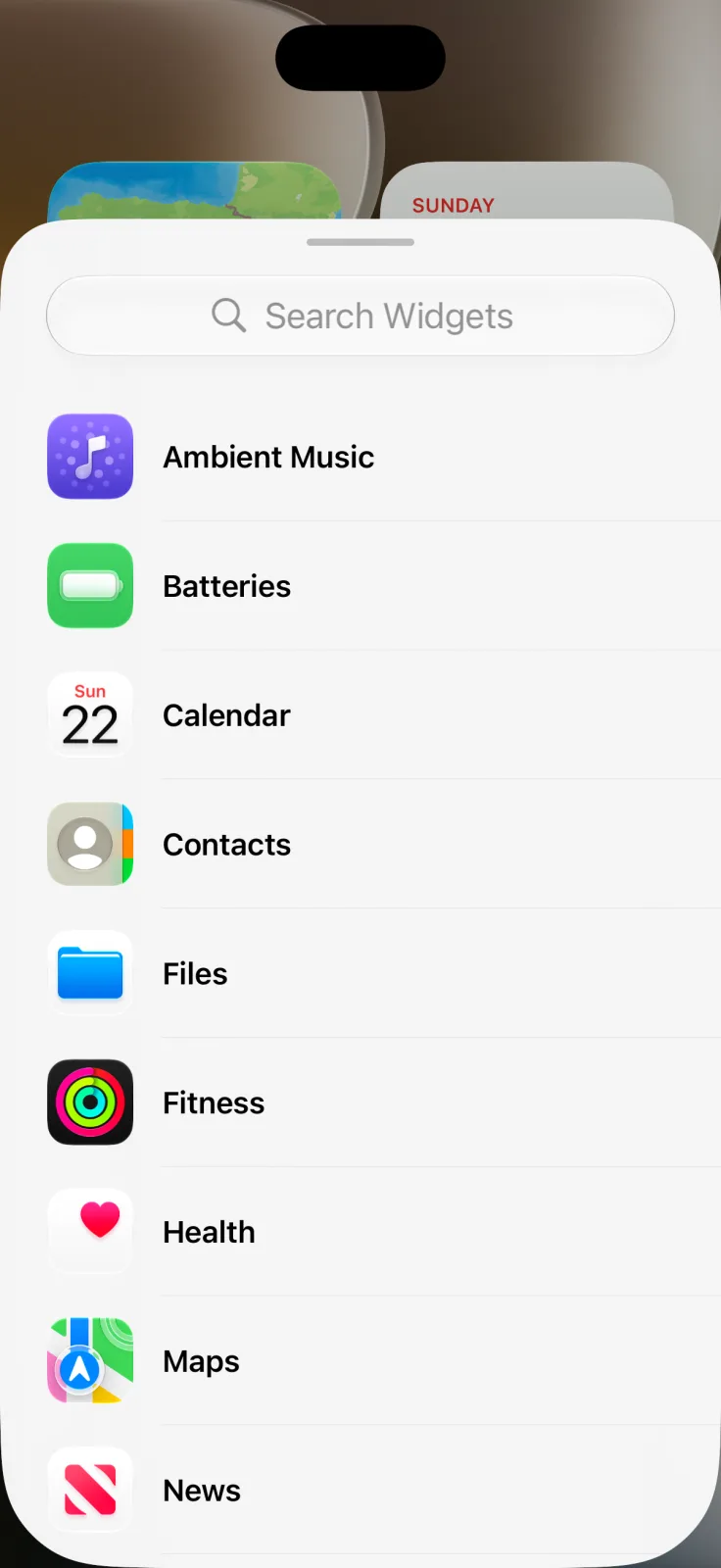
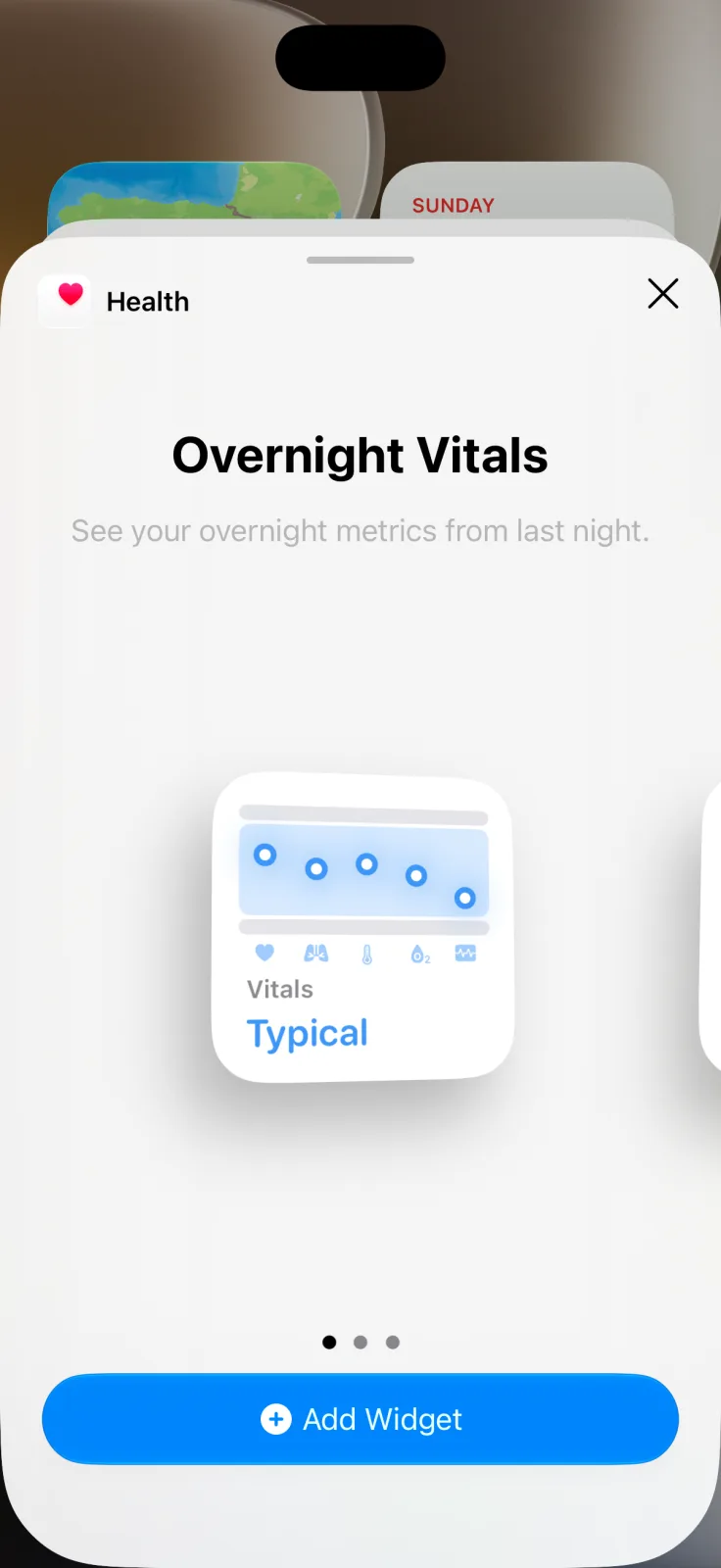
Not on iOS 27. In the widget gallery, Health offers Overnight Vitals, Weekly Vitals and Cycle Tracking widgets, none of which show steps. You can still open Health to see your step history, but for a widget, Fitness is the one to use.
Steps widget on the iPhone Lock Screen
Apple says the Fitness widget also works on the Lock Screen. Touch and hold the Lock Screen, tap Customize, choose the Lock Screen, then tap Add Widgets and pick Fitness, as described in Apple’s Lock Screen guide ↗. Lock Screen widgets are small, so each one shows a single piece of information. If you want the step count itself there, the apps below list Lock Screen widgets that show it.
Step counter widget apps compared
| Option | Widgets | Cost |
|---|---|---|
| Fitness (Apple) | Home Screen and Lock Screen; steps on the medium Activity widget | Built in |
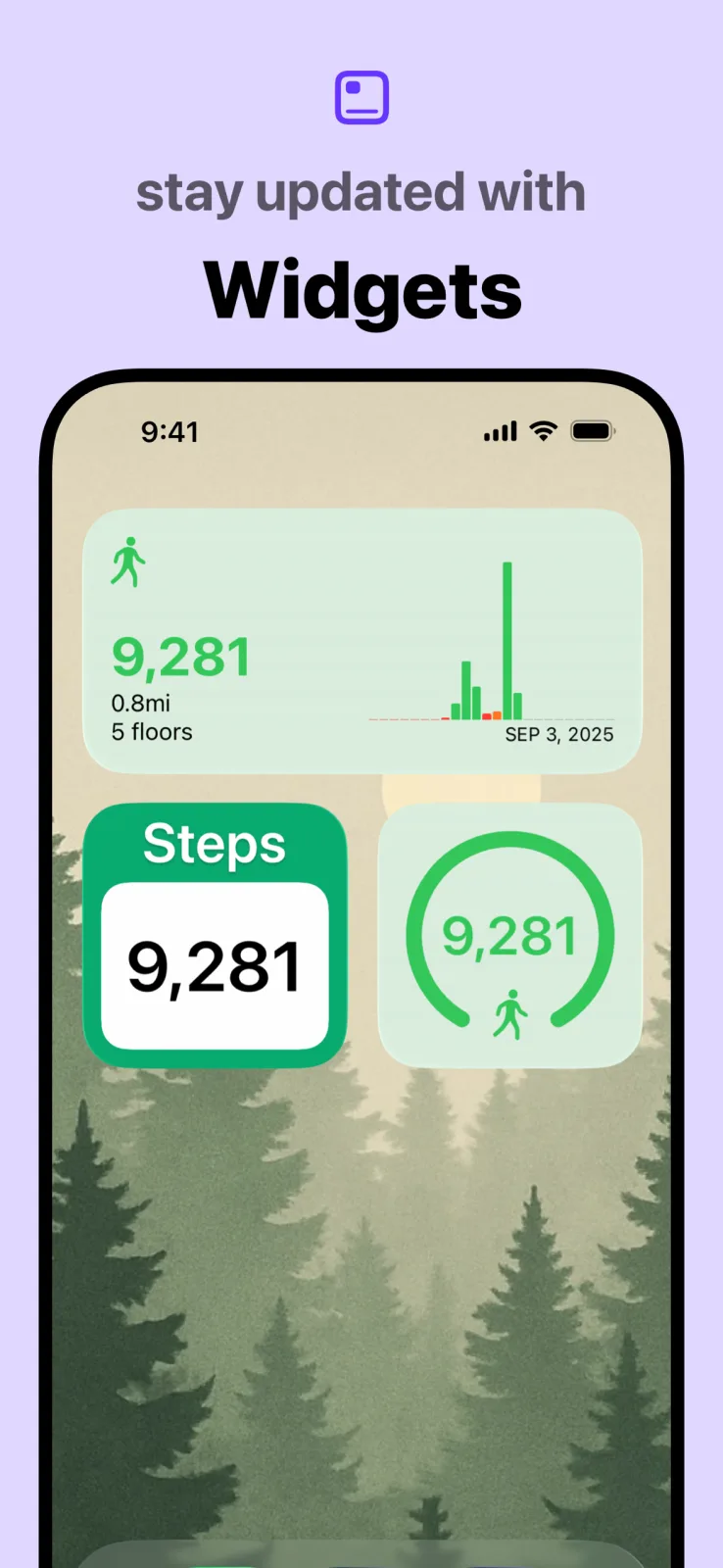
| Pedometer++ ↗ | Step count or daily progress on the Home Screen and Lock Screen, with a custom goal | Free; optional premium subscription |
| StepsApp ↗ | Home Screen and Lock Screen widgets, streaks and goals | Free; Pro features by subscription |
Pedometer++ reads the step data your iPhone collects through Apple Health, and StepsApp lists Apple Health integration, according to their App Store listings. Choose one if you want a custom daily goal or a larger number than Apple’s widget gives you.
Pair your steps with a calmer widget
A steps widget is practical; the rest of the page can be something you enjoy looking at. Aquarium Widgets, our app, puts an aquarium with swimming fish on the Home Screen, with an optional clock, date or month calendar behind them. It is free to download; putting an aquarium on your Home Screen requires the premium upgrade, sold as a subscription or a one-time purchase. See it on the App Store ↗.
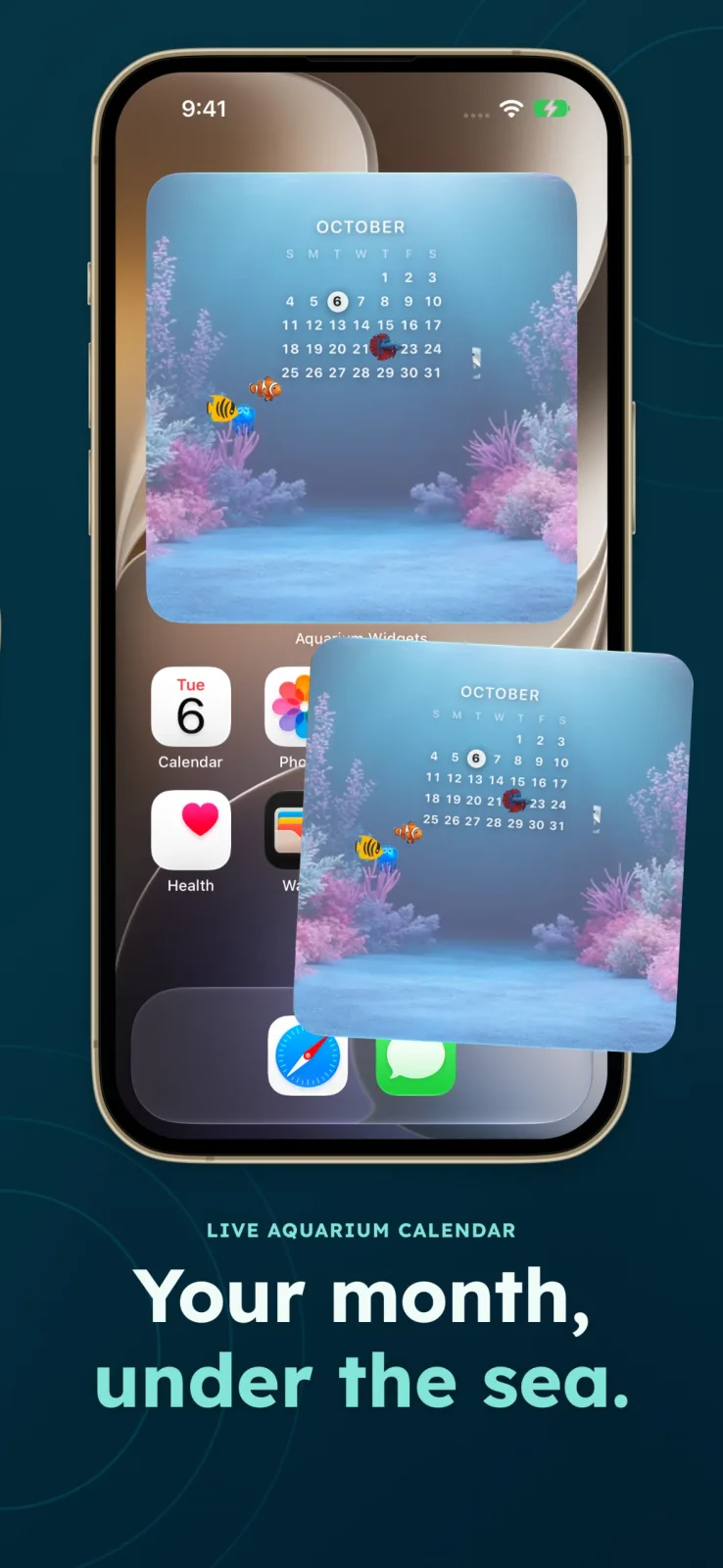
To fit both on one page, read our widget stacks guide, and for daily goals beyond walking, see the habit tracker widgets.
Frequently asked questions
How do I put a step counter on my iPhone Home Screen?
Add the medium Activity widget from the Fitness app. It shows your Move ring, steps and distance.
Is there a Health widget for steps?
Not on iOS 27. Health’s widgets cover overnight vitals and cycle tracking. Use the Fitness Activity widget or a pedometer app instead.
Do I need an Apple Watch for the steps widget?
No. Apple says the iPhone counts steps, distance and flights climbed with its motion sensors when you carry it.
Can I see my steps on the Lock Screen?
Apple says the Fitness widget works on the Lock Screen. For the step count itself, apps such as Pedometer++ and StepsApp list Lock Screen step widgets.