App comparison
Habit Tracker Widgets for iPhone: Apps That Let You Check Off Habits
Compare habit tracker apps with Home Screen and Lock Screen widgets, including Streaks and HabitKit, plus a free Reminders checklist option.
iOS has no habit tracker widget of its own, so you either use a Reminders list as a daily checklist or install a habit app whose widget lets you tick off habits from the Home Screen. The apps below all describe widgets in their App Store listings. Check how each one charges before you log a month of streaks in it.
Habit tracker apps with widgets
Details come from each App Store listing as of November 2026.
| App | Widgets, per the listing | How it charges |
|---|---|---|
| Streaks ↗ | Home Screen and Lock Screen widgets that complete habits without opening the app | Paid download |
| HabitKit ↗ | Small, medium and multi-habit widgets with a tile grid | Free with a few habits; widgets are part of Pro |
| Habit Tracker ↗ (InnerGrow) | Home Screen and Lock Screen widgets to log habits | Free download; check the listing for upgrades |
| HabitMinder ↗ | Home Screen widgets, plus an Apple Watch app | Free to start, optional Premium |
| (Not Boring) Habits ↗ | Widgets and reminders | Free download; check the listing for upgrades |
Which one fits you
- You want to tick habits off in one tap: Streaks. Its listing says the widgets complete habits without opening the app, and it can fill in habits from more than 80 types of Apple Health data, such as steps or mindful minutes.
- You like seeing a pattern: HabitKit draws each habit as a grid with one square per day, similar to a contribution graph. Its listing says the data stays on your device and it works offline.
- You want a quick log on the Lock Screen: Streaks and Habit Tracker by InnerGrow both list Lock Screen widgets.
- You want something playful: (Not Boring) Habits is built around a lighter, guilt-free style.
A free option: a Reminders checklist
If you track only two or three habits, a Reminders list does the job without another app. Create a list called “Daily”, add one reminder per habit and put the Reminders widget on your Home Screen. You can check off an item by tapping it in the widget, according to Apple’s Reminders guide ↗. You won’t get streaks or charts, which is the main reason people move to a dedicated app.
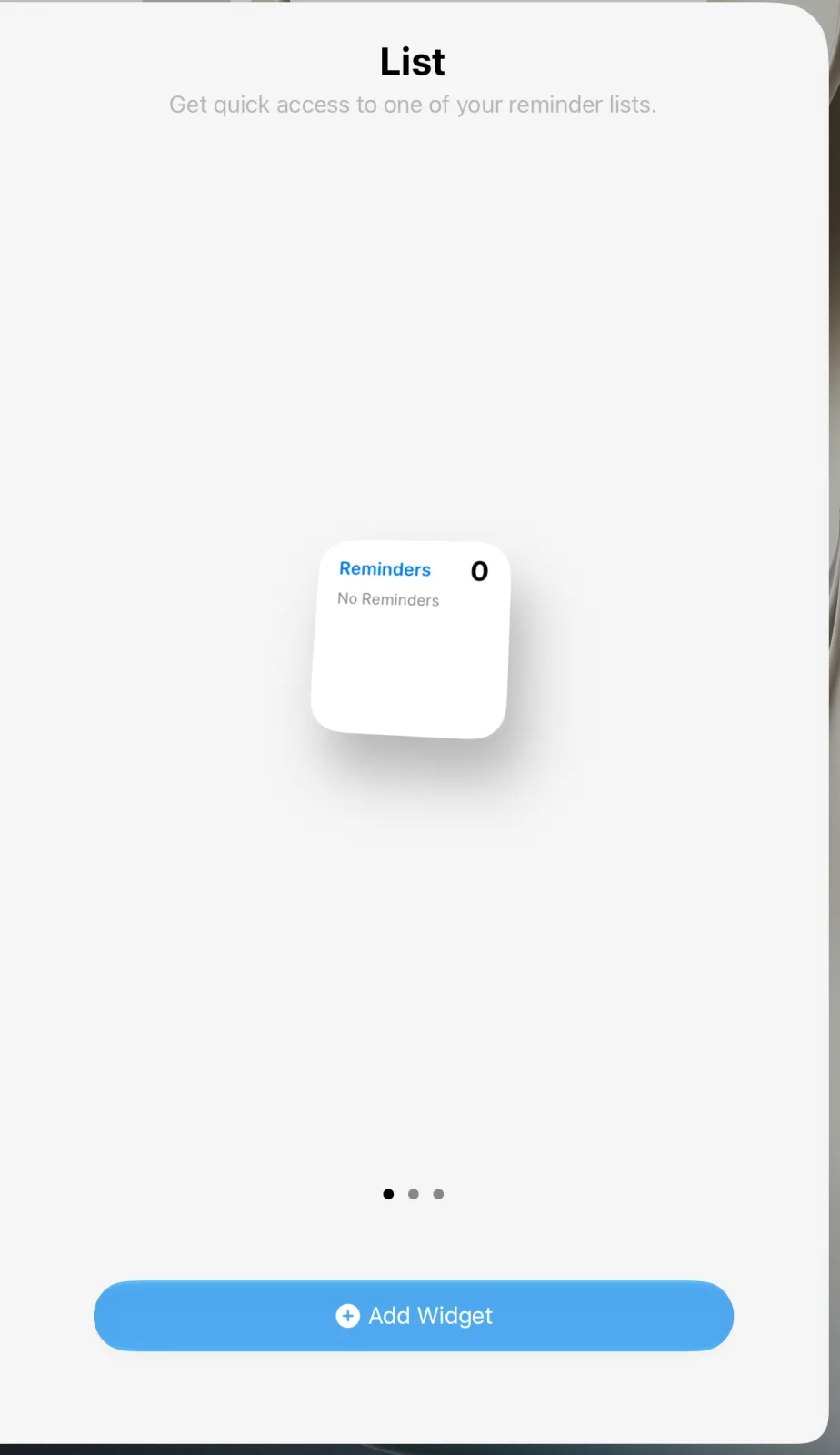
Add a habit widget to your Home Screen
- Install the app and create at least one habit, so the widget has something to show.
- Touch and hold the Home Screen background, tap Edit, then Add Widget.
- Search for the app, swipe through the sizes and tap Add Widget.
- Touch and hold the new widget and tap Edit Widget to choose which habit it shows, if the app offers that option.
The gallery steps follow Apple’s iOS 27 widget guide ↗. Our Reminders widget guide covers the free option in more detail, and if a widget stops ticking or shows old data, try the fixes in widget not updating.
Frequently asked questions
Does iPhone have a built-in habit tracker widget?
No. The closest built-in option is a Reminders list with the Reminders widget, where you can check off items, but it has no streaks or charts.
Which habit tracker lets me check off habits from the widget?
Streaks says its Home Screen and Lock Screen widgets complete habits without opening the app. Habit Tracker by InnerGrow also lists widgets for logging habits.
Is there a free habit tracker widget for iPhone?
HabitKit is free with a few habits, but its listing puts Home Screen widgets in the Pro upgrade. A Reminders list with the Reminders widget costs nothing.