App comparison
Relaxing Apps for iPhone: Built-In Calm Tools and Apps to Try
Use Background Sounds, the Ambient Music widget and State of Mind on iPhone, then compare Calm, Headspace, Insight Timer, BetterSleep and Rain Rain.
Before you download anything, try what iPhone already has: Background Sounds for steady background noise, the Ambient Music widget, and State of Mind logging in Health. If you want guided meditations or a library of sleep sounds, Calm, Headspace, Insight Timer, BetterSleep and Rain Rain are the best-known options, each with a different way of charging.
Built in: Background Sounds
- Open Settings → Accessibility → Audio & Visual → Background Sounds and turn it on.
- Choose a sound and set the volume with the slider.
- To fall asleep with it, tap Stop Sound with a Timer and choose a time or a duration.
- Turn on Stop Sounds When Locked if you only want it while you use the phone.
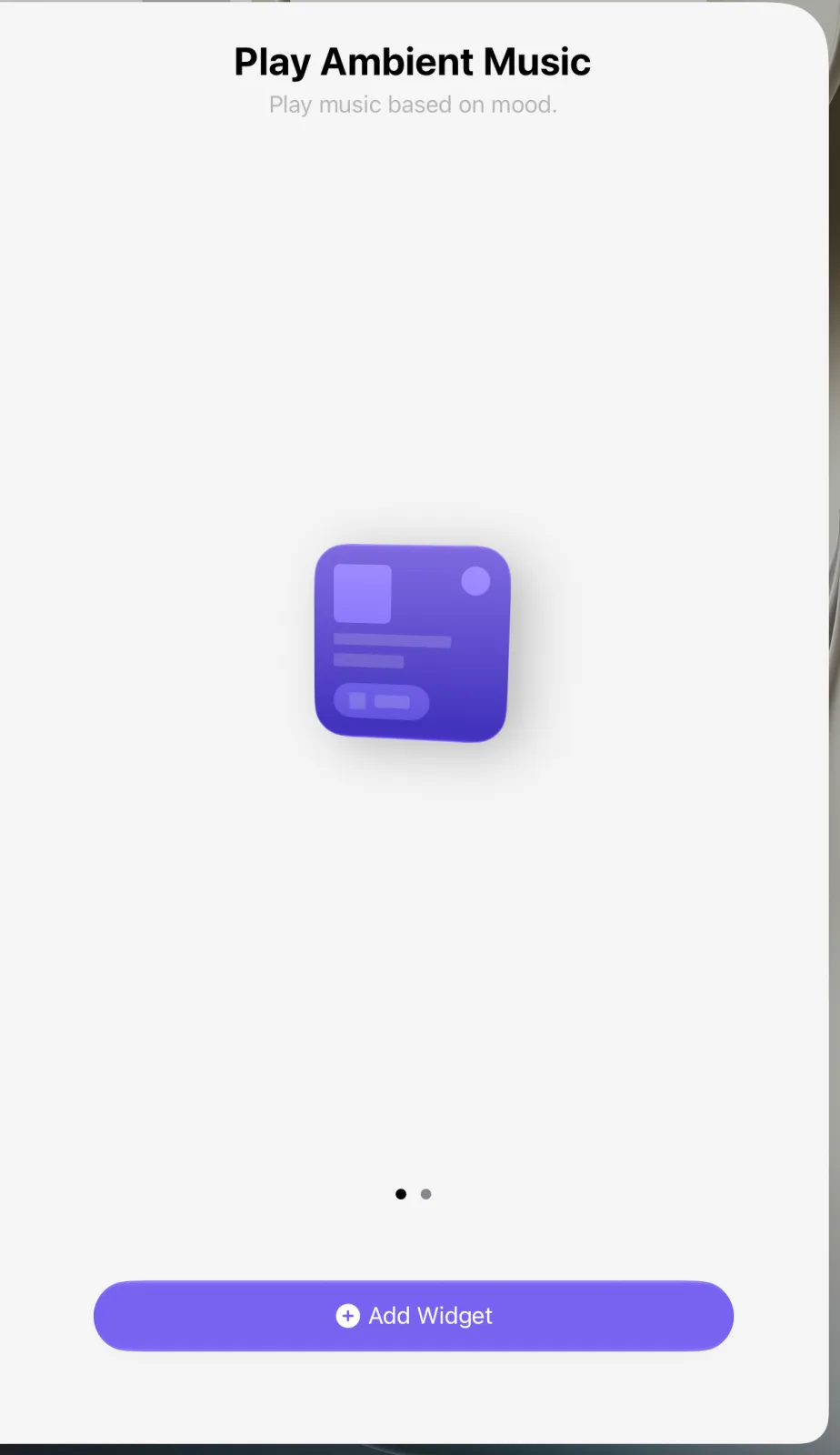
These options come from Apple’s Background Sounds guide ↗, which also says you can control the feature from Control Center and mentions an Ambient Music widget for the Home Screen. In the widget gallery it appears as Play Ambient Music, with the description “Play music based on mood.”
To notice what helps, log how you feel in the Health app: tap Browse → Mental Wellbeing → State of Mind, then Log, and choose between a momentary emotion and a mood for the whole day, as Apple’s Health guide ↗ describes.
Relaxing apps compared
Details come from each App Store listing as of November 2026.
| App | What it offers | How it charges |
|---|---|---|
| Calm ↗ | Guided meditation, breathing exercises, sleep sounds and music | Free to download; some content needs a subscription |
| Headspace ↗ | Sleep tools, sleepcasts, meditation and focus music | Subscription after a free trial |
| Insight Timer ↗ | Thousands of free guided practices and a meditation timer | Free features plus one optional subscription |
| BetterSleep ↗ | Sleep sounds, sleep stories and a sleep recorder | Subscription after a free trial |
| Rain Rain ↗ | Rain and nature sounds you can mix, with a fade-out timer | More than 50 sounds free; Premium adds more |
- For falling asleep without paying: Background Sounds or Rain Rain.
- For learning to meditate: Insight Timer lists thousands of free practices; Calm and Headspace offer guided sessions for beginners.
- For hearing what happens at night: BetterSleep is the only one here that lists a sleep recorder.
Something calm on your Home Screen
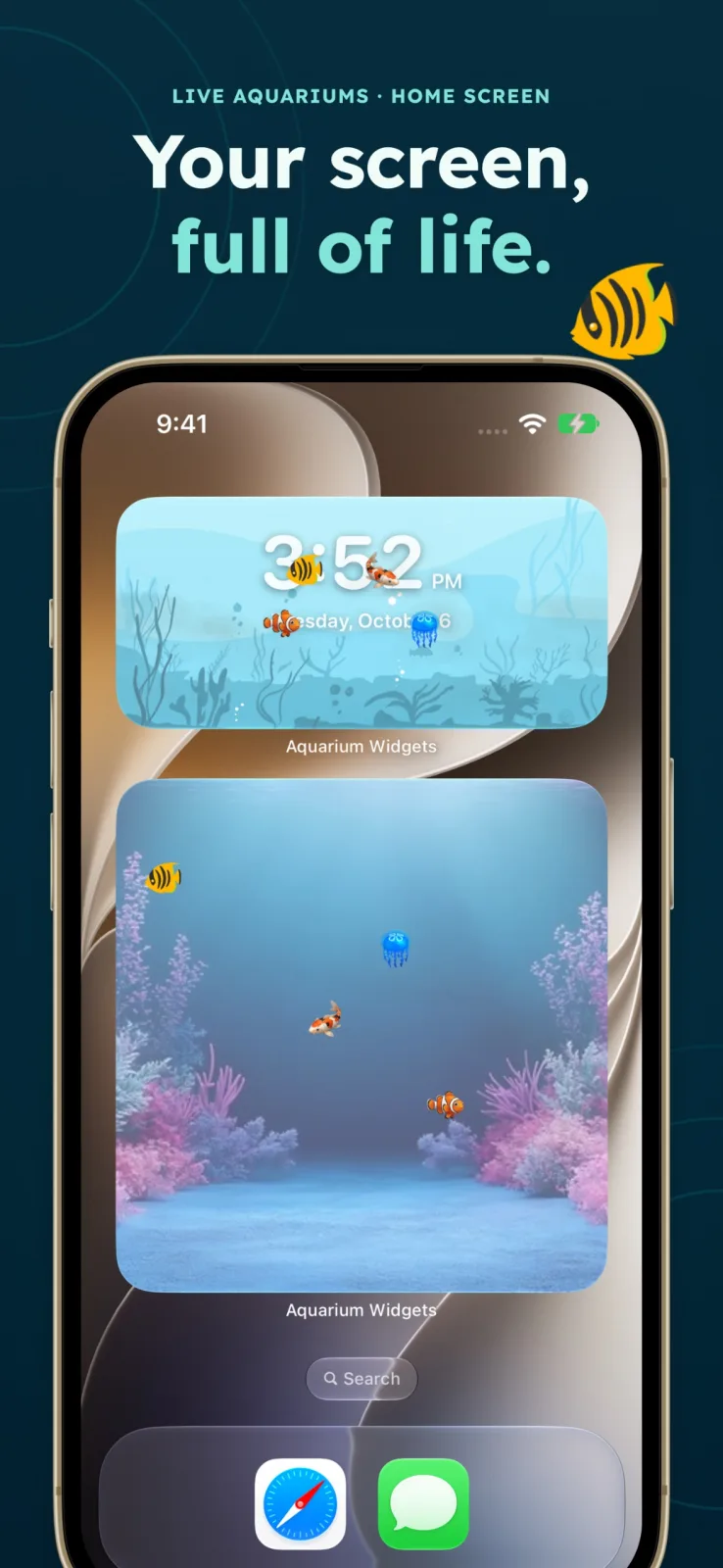
Not every relaxing app needs to be opened. Aquarium Widgets, our app, shows a virtual aquarium with swimming fish as a Home Screen widget, and you look after the fish by feeding and cleaning them in the app. It is free to download; putting an aquarium on your Home Screen requires the premium upgrade, sold as a subscription or a one-time purchase. Details are on the App Store listing ↗.
For more gentle apps, including virtual pets, see our list of cozy apps for iPhone. To make the whole screen quieter, try the cozy Home Screen ideas.
Frequently asked questions
Does iPhone have built-in relaxing sounds?
Yes. Background Sounds in Settings → Accessibility → Audio & Visual plays steady sounds, with a timer to stop them and an option to stop when the iPhone locks.
What is a good free relaxing app for iPhone?
Insight Timer lists thousands of free guided practices, and Rain Rain includes more than 50 sounds for free. Background Sounds is built in.
Is there a relaxing widget for iPhone?
Apple’s Ambient Music widget plays music based on mood. Aquarium Widgets shows an aquarium with swimming fish, which requires its premium upgrade.