App comparison
Quote Widget for iPhone: Daily Quotes and Your Own Words
Add a quote widget to your iPhone Home Screen or Lock Screen with a daily quote app like Motivation, or type your own quote in a custom text widget.
iOS has no built-in quote widget, so a quote widget on iPhone comes from an app: a daily quote app that picks a new line for you, or a custom text widget where you type your own. Both kinds can go on the Home Screen, and some also fit on the Lock Screen. Here is how the main options compare and how to set one up.
Quote widget apps compared
Details come from each App Store listing as of November 2026. All four are free to download with optional paid upgrades.
| App | Quotes come from | Where, per the listing | Paid upgrade |
|---|---|---|---|
| Motivation ↗ | Its own library, by category | Home Screen, as many widgets as you want | Premium unlocks all themes and categories |
| Quote Widget: Daily Motivation ↗ | Quote collections, your own lists or AI-generated lines | Home Screen and Lock Screen | Check the listing |
| Color Widgets ↗ | Text you type in a custom text or quote widget | Home Screen and Lock Screen | Optional Pro |
| Sticky Widgets ↗ | Text you type on a sticky note | Home Screen; Lock Screen with the upgrade | More colors and fonts |
A daily quote widget
If you want a different motivational quote every day without choosing it yourself, a quote app is the easy route. Motivation sorts its quotes into topics such as love, sports or mental health, and you style the widget from the app. Its listing says you can add as many widgets as you like.
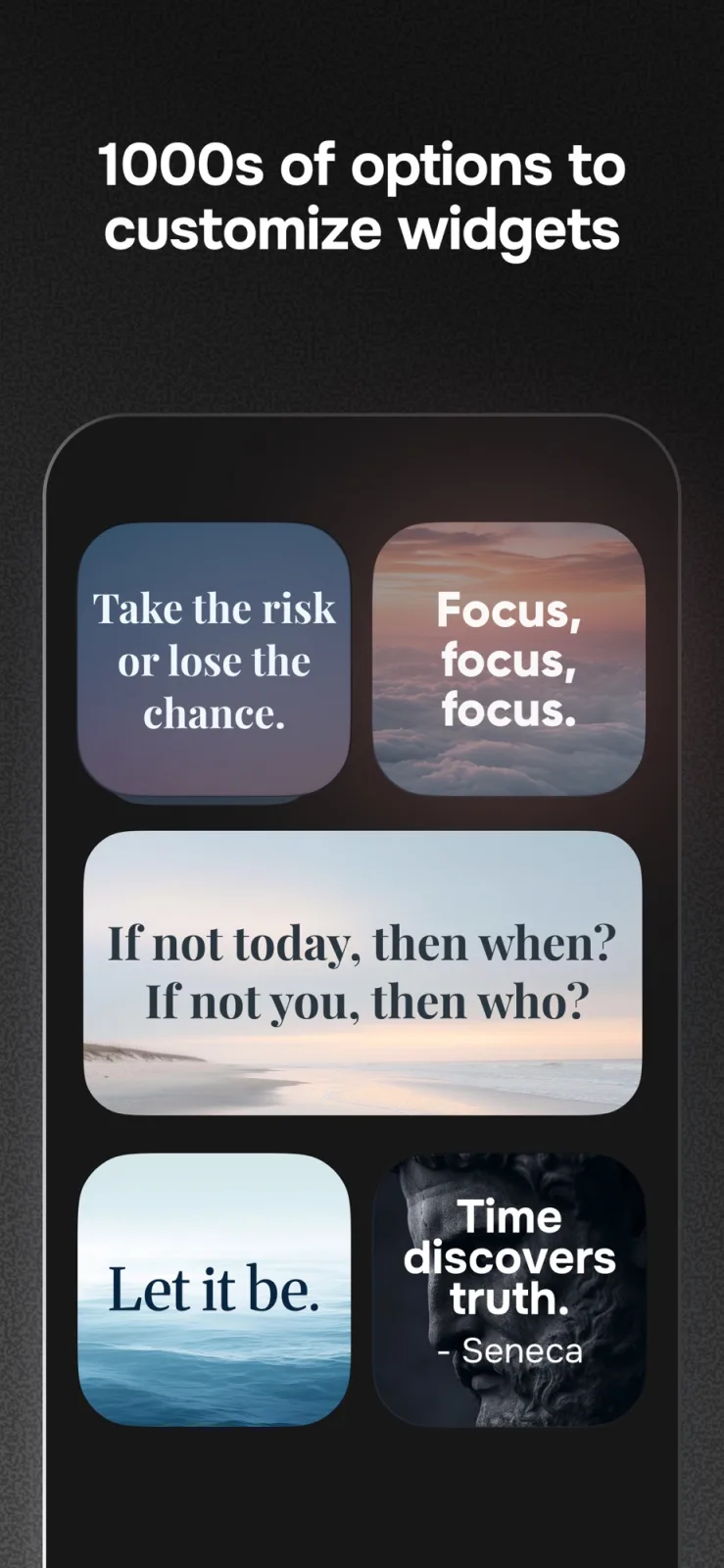
Quote Widget: Daily Motivation adds Lock Screen widgets and lets you build your own quote lists, which it syncs to iPad through iCloud. It also offers AI-written quotes; if you prefer real quotations with a named author, stick to its collections or your own lists.
A quote widget on the Lock Screen
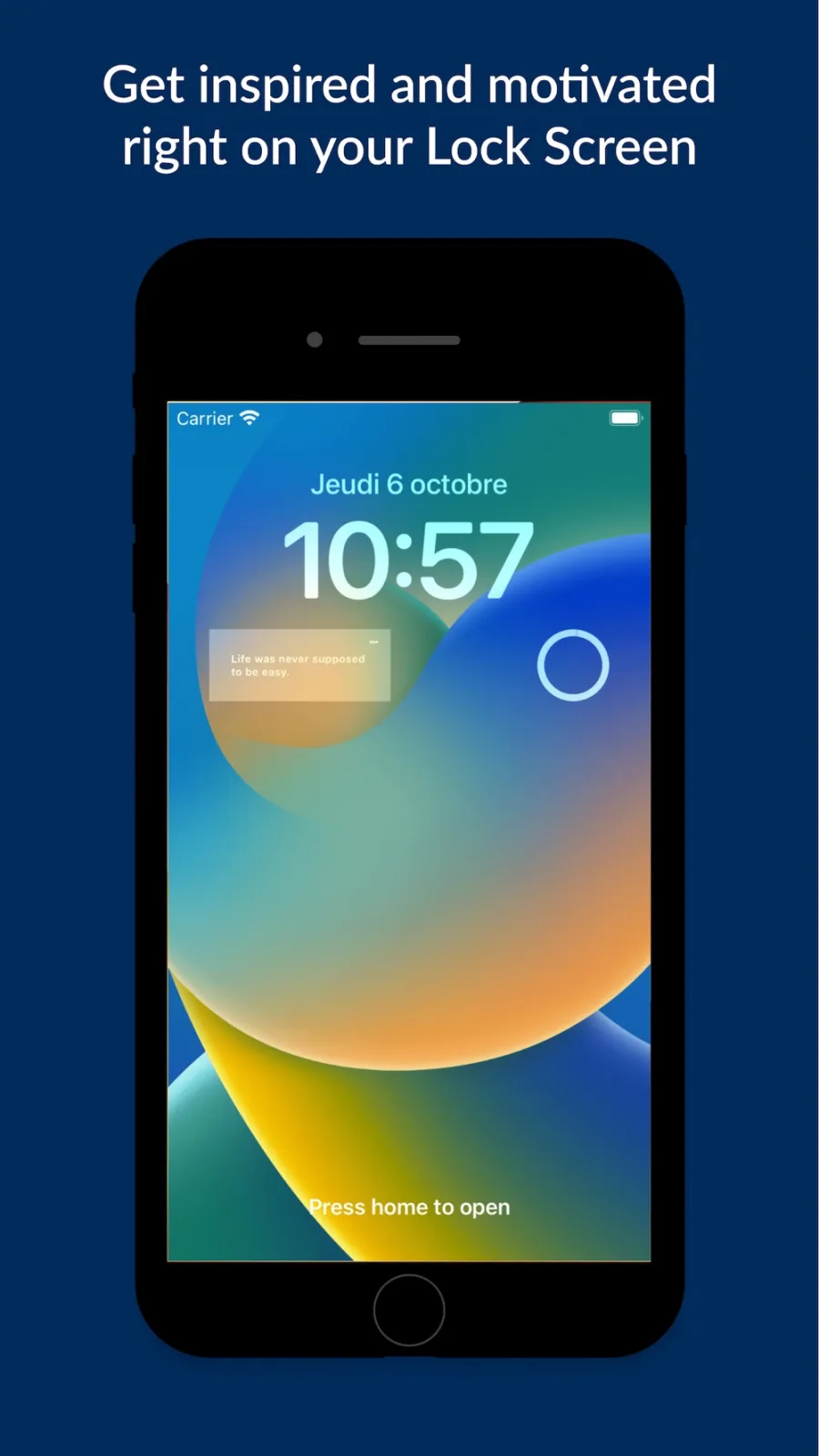
The Lock Screen has room for short lines only, so pick quotes of about ten words or fewer. Touch and hold the Lock Screen, tap Customize, choose the Lock Screen, tap Add Widgets and pick the quote app, as Apple’s Lock Screen guide ↗ describes. If the app is missing from that list, it does not offer a Lock Screen widget.
A custom quote widget with your own words
For a favorite line, a Bible verse or a personal reminder, use an app where you type the text. Color Widgets lists a “Custom Text/Quote Widget” where you choose the background, font and color. A sticky-note app such as Sticky Widgets works too, with less styling. Example to try: one medium widget with a single line in a serif font, on a wallpaper of the same color family.
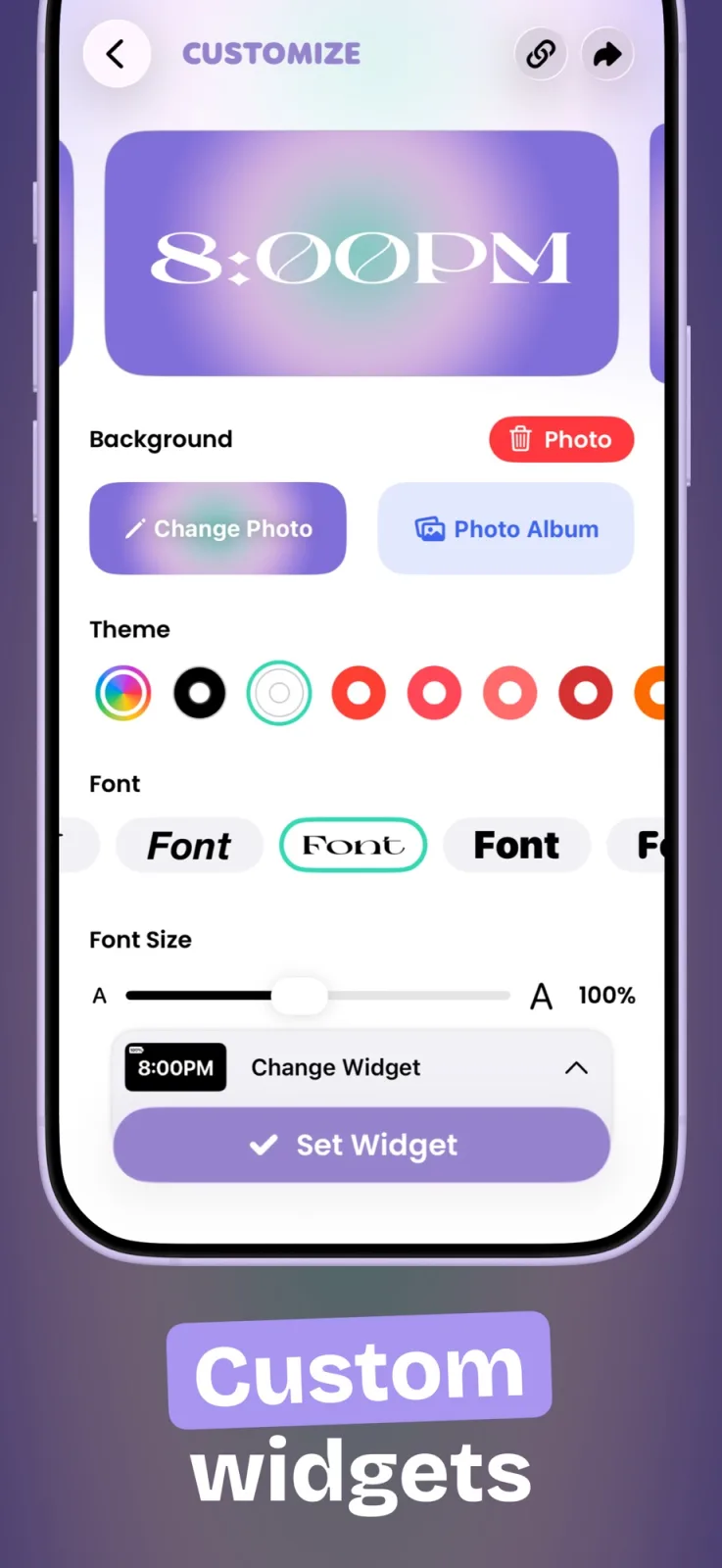
To add any of these to the Home Screen, touch and hold the background, tap Edit, then Add Widget, search for the app and tap Add Widget, following Apple’s iOS 27 widget guide ↗. Our sticky note widget guide covers the note apps in more detail.
Pair your quote with a calm Home Screen
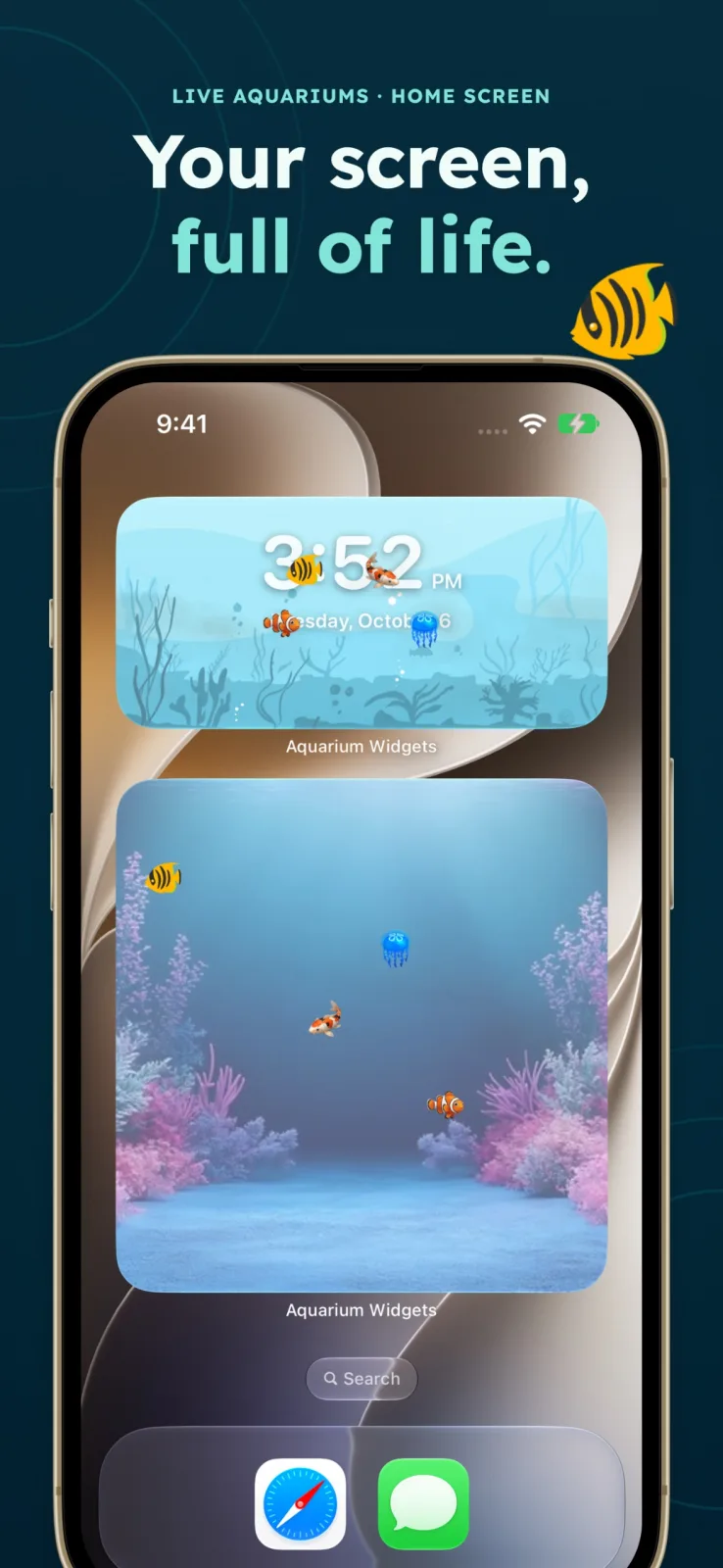
A quote reads better with space around it. Aquarium Widgets, our app, puts an aquarium with swimming fish on your Home Screen, and a quote widget next to it makes a quiet page you look at many times a day. You can also show a clock or the date behind the fish. Aquarium Widgets is free to download; putting an aquarium on your Home Screen requires the premium upgrade, sold as a subscription or a one-time purchase. See the App Store listing ↗.
For more layouts, see our cozy Home Screen ideas and aesthetic Home Screen ideas.
Frequently asked questions
Does iPhone have a quote widget?
No. iOS has no built-in quote widget, so you add one from an app such as Motivation, Quote Widget: Daily Motivation or Color Widgets.
How do I make a custom quote widget on iPhone?
Use an app with a custom text widget, such as Color Widgets, type your quote and pick a font and background, then add that widget from the Home Screen gallery.
Can I put a quote widget on my Lock Screen?
Yes, if the app offers Lock Screen widgets. Touch and hold the Lock Screen, tap Customize, tap Add Widgets and pick the app. Keep the quote short, because Lock Screen widgets are small.
Are quote widget apps free?
Motivation, Quote Widget: Daily Motivation and Color Widgets are free to download with optional paid upgrades for more themes or features.