App comparison
Couple Widget Apps for iPhone: Share Photos, Notes and Days Together
Compare couple widget apps for iPhone, from Locket photos and noteit drawings to Widgetable’s distance widget and a days-together counter.
Couple widget apps put something from your partner on your iPhone Home Screen: their latest photo, a note they drew, a days-together counter or a shared pet. Both of you install the same app and link your accounts, then each adds the widget. Below are five apps that describe couple widgets in their App Store listings, and what each one actually shares.
Couple widget apps compared
Details come from each App Store listing as of November 2026. All five are free to download, and most sell extras, so check the listing before you both commit.
| App | What the widget shows | Good for |
|---|---|---|
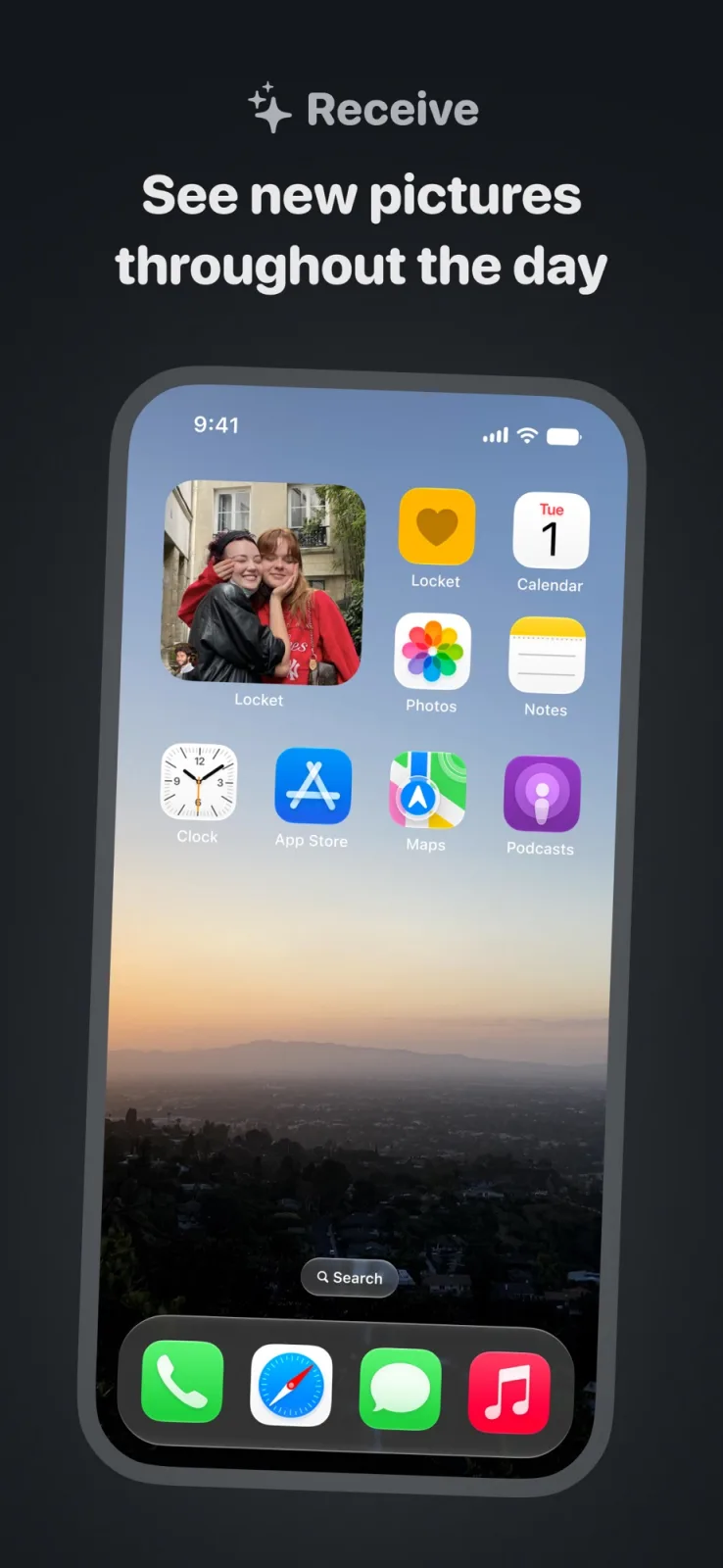
| Locket Widget ↗ | Photos your partner or friends send, on the Home Screen | Seeing a new picture each time you unlock |
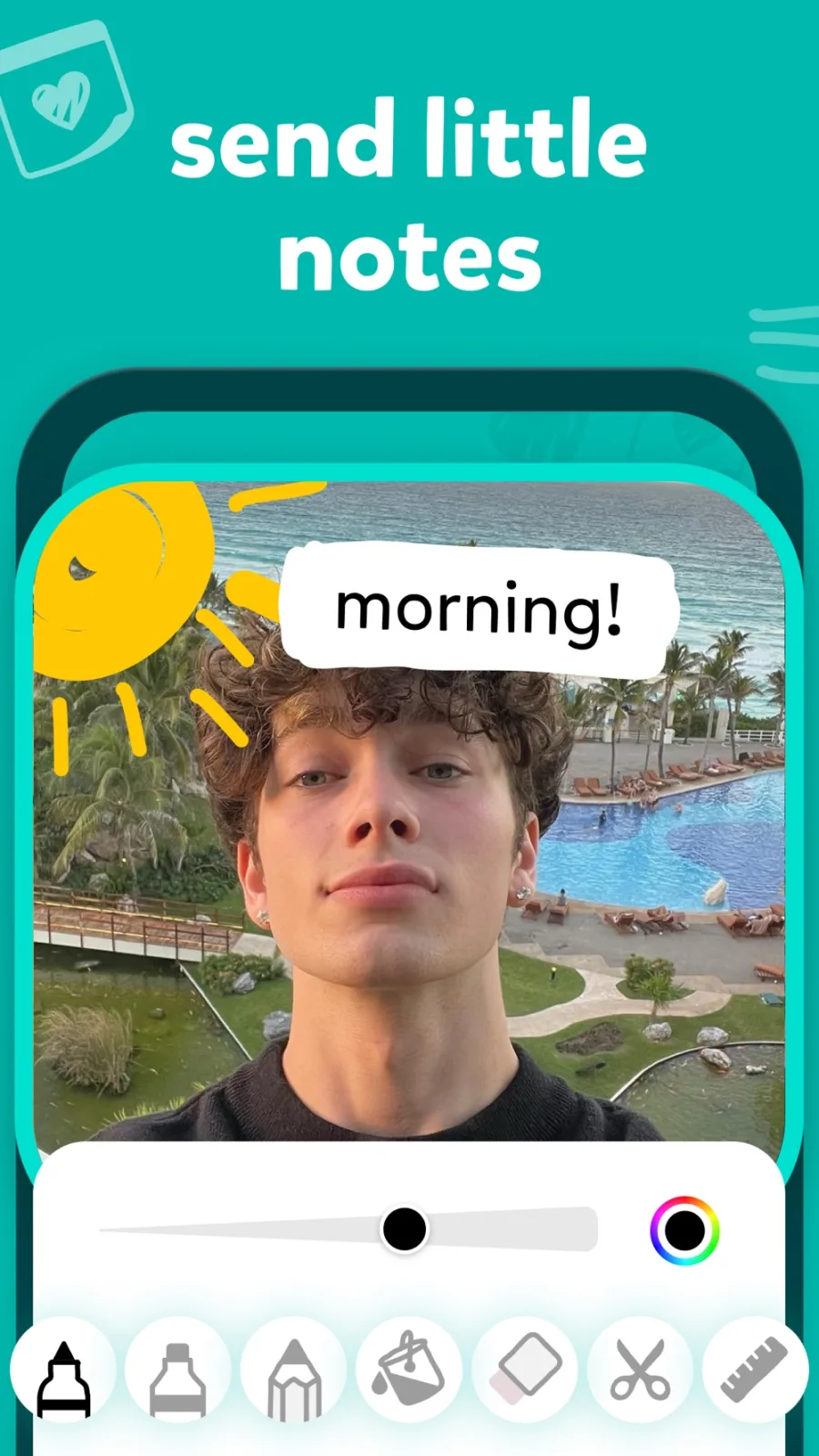
| noteit ↗ | Live notes, photos and drawings from your partner | Small handwritten messages |
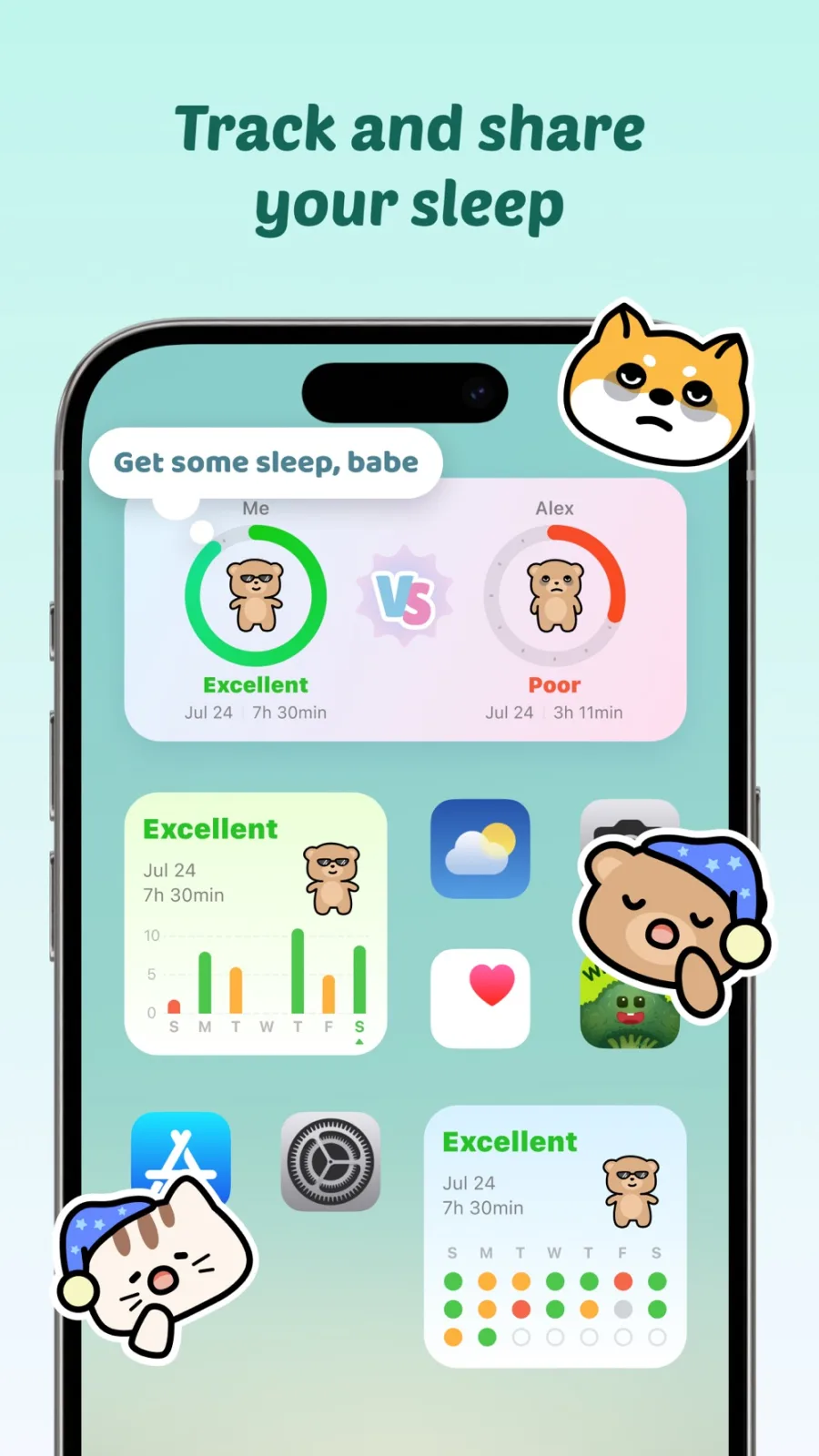
| Widgetable ↗ | Shared pets, sleep, mood, distance and “miss you” widgets | Long-distance couples who like games |
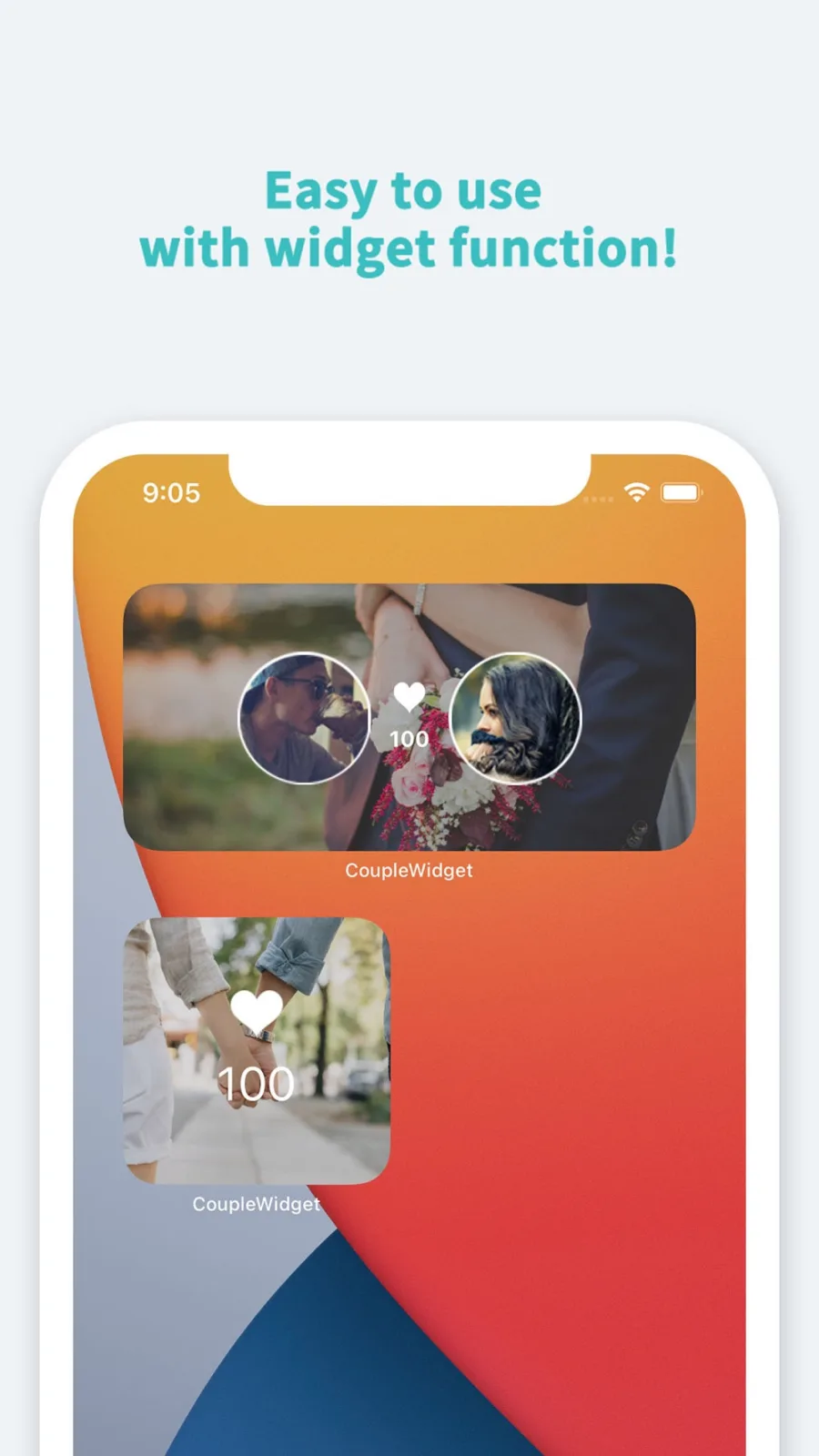
| Couple Widget ↗ | Days together and upcoming anniversaries | Counting milestones |
| Couple Joy ↗ | Couple widgets plus a shared photo journal | Keeping memories in one place |
Photo and note widgets
Locket is the simplest idea: your partner takes a photo, and it appears in your Locket widget. Its listing says you can tap the widget to open the camera and send one back, and that a “Crush” or “Best Friend” widget shows photos from one person only, which suits a couple.
noteit works the same way with notes: you write or draw something, and it lands on the other person’s Home Screen. A quick drawing over a selfie is the typical use.
Widgets for long-distance couples
Widgetable has the most variety. Its listing describes a sleep widget for comparing each other’s sleep, mood widgets, a virtual pet you raise together, a “Miss You” counter and a Distance widget that shows how far apart you are on the Lock Screen. Unlimited access to everything is a premium subscription.
A distance widget needs your location. You can check which apps use it, and turn it off for any of them, in Settings → Privacy & Security → Location Services, as Apple explains ↗. Agree on this with your partner before you turn it on.
If you would rather count days than share data, Couple Widget shows how many days you have been together and reminds you of anniversaries, according to its listing.
Add a couple widget to your Home Screen or Lock Screen
- Both of you install the same app and connect, usually with an invite link or code.
- Touch and hold the Home Screen background, tap Edit, then Add Widget.
- Search for the app, pick a size and tap Add Widget.
- For the Lock Screen, touch and hold it, tap Customize, choose the Lock Screen, tap Add Widgets and pick the app.
The Home Screen steps follow Apple’s iOS 27 widget guide ↗ and the Lock Screen steps follow Apple’s Lock Screen guide ↗. Only apps that offer Lock Screen widgets show up there. If a new photo or note takes a while to appear, see widget not updating.
Add something calm next to it
A couple widget is often the only personal thing on a page full of icons. If you want the rest of the screen to feel as warm, Aquarium Widgets, our app, puts a small aquarium with swimming fish on your Home Screen, and you look after the fish in the app. It is not a couple app and nothing is shared between phones. Aquarium Widgets is free to download; putting an aquarium on your Home Screen requires the premium upgrade, sold as a subscription or a one-time purchase. See the App Store listing ↗ or the Aquarium Widgets home page.
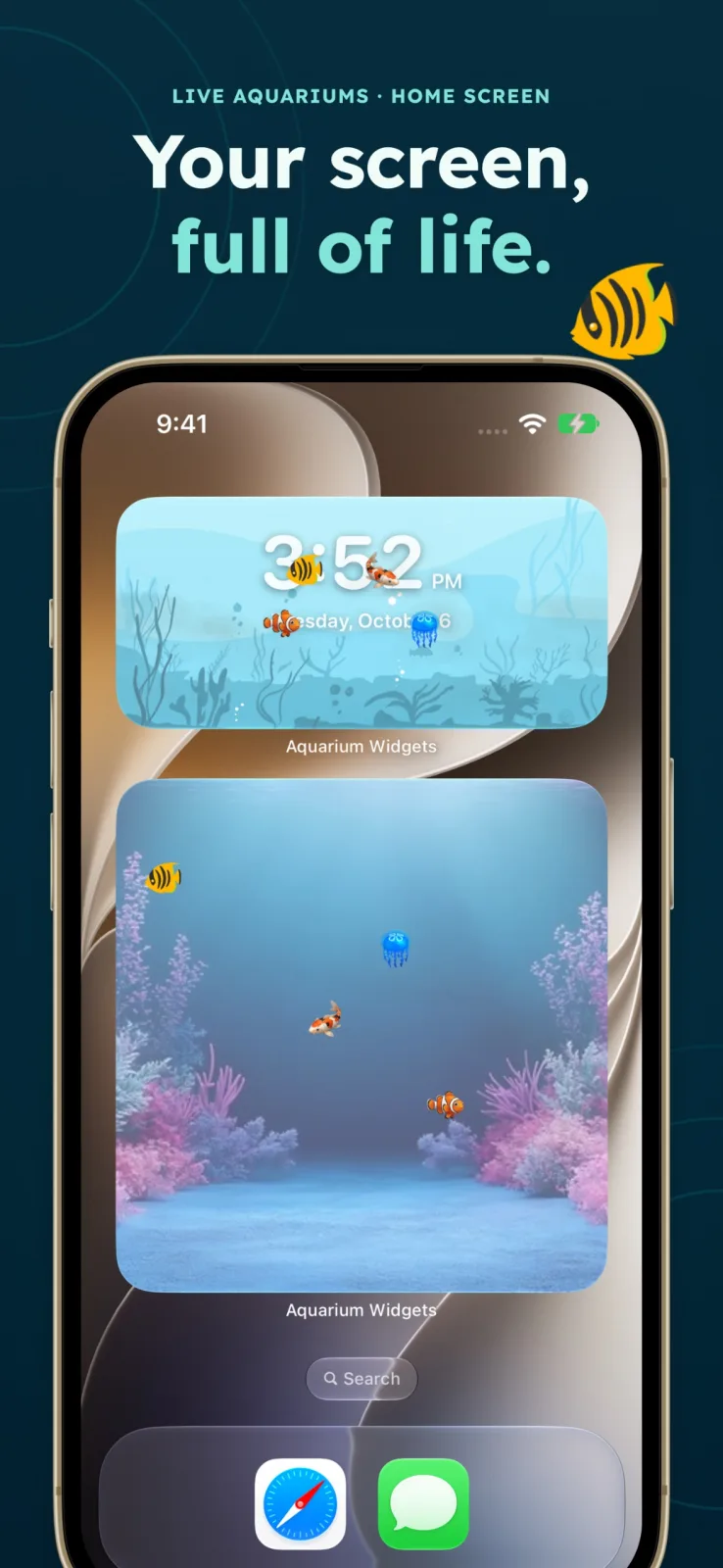
For more ideas, see our cute widgets for iPhone and the Photos widget guide.
Frequently asked questions
What is the best couple widget app?
It depends on what you want to share. Locket and noteit send photos and notes to each other’s Home Screen, Widgetable has shared pets and a distance widget, and Couple Widget counts days together.
Are couple widget apps free?
The apps in this guide are free to download, and most sell extra features. Widgetable, for example, puts unlimited access in a premium subscription.
Can I put a couple widget on my Lock Screen?
Yes, if the app offers a Lock Screen widget. Widgetable describes a Lock Screen distance widget. Touch and hold the Lock Screen, tap Customize and add it from the widget list.
Do both people need the app?
Yes. Both of you install the same app and connect, usually with an invite link or code, before the widget can show anything from the other person.